3
3. Hardware Installation
English
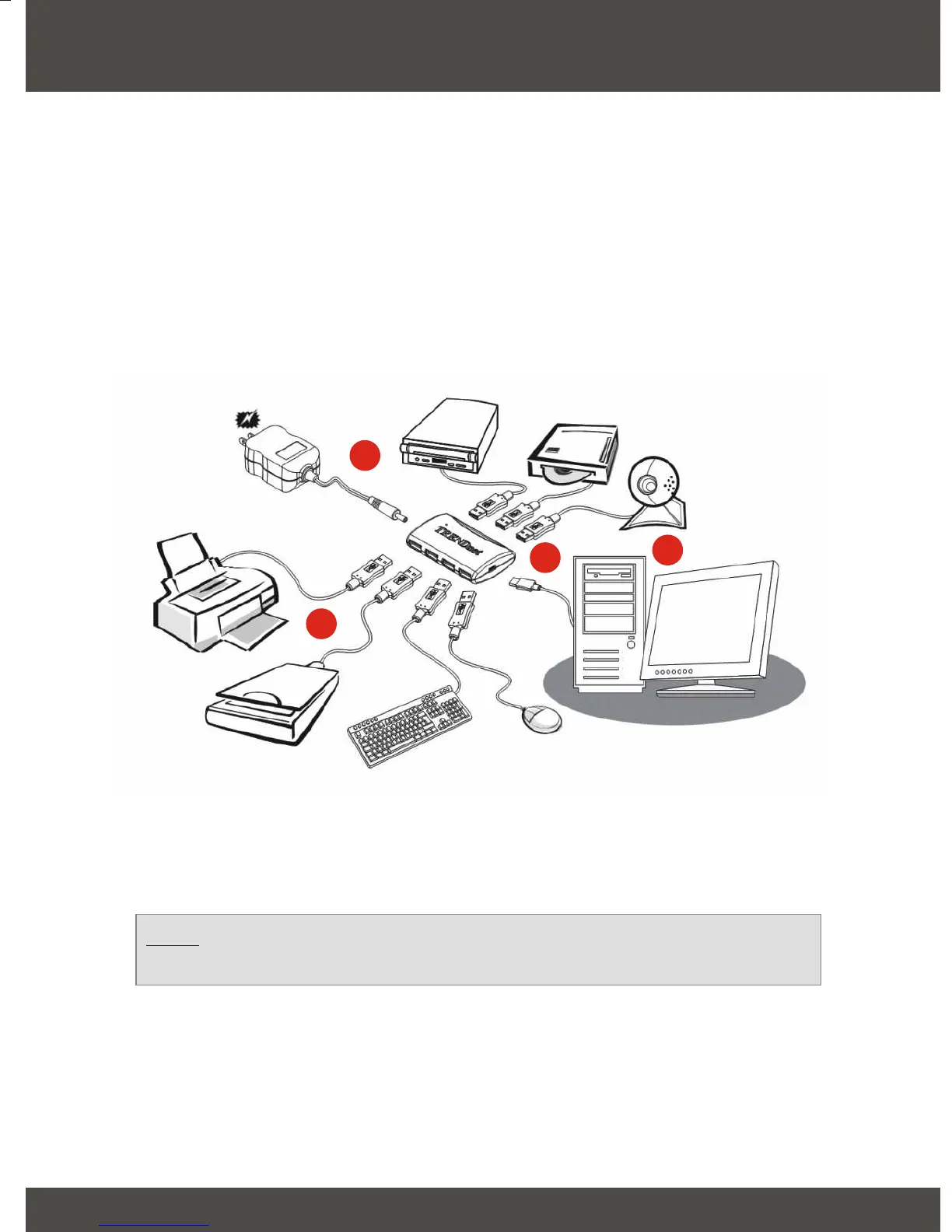
1. Turn on your computer and allow your operating system to fully load into the
system.
2. Connect the mini-B connector of the USB cable into your TU2-700, and
connect the Type-A connector into your desktop or notebook's USB port.
3. Connect any device with a USB connection into a TU2-700 USB port.
4. If you are using multiple, self-powering USB devices on the TU2-700, then
connect the external power adapter into the TU2-700.
Your hardware installation is now complete.
Note: If you would like to verify that the TU2-700 has been installed
properly for your windows, go to the Verify Installation section.
1
4
2
3



 To Next Page