6
2. Hardware Drive Installation (Sold Separately)
Note:
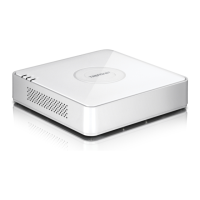
Ÿ Static electricity can damage the TV-NVR104. Before handling the unit, discharge any static electricity by touching a metal object, or use
an anti-static wrist strap.
Ÿ The TV-NVR104 supports 3.5” SATA I and II drives up to 4TB.
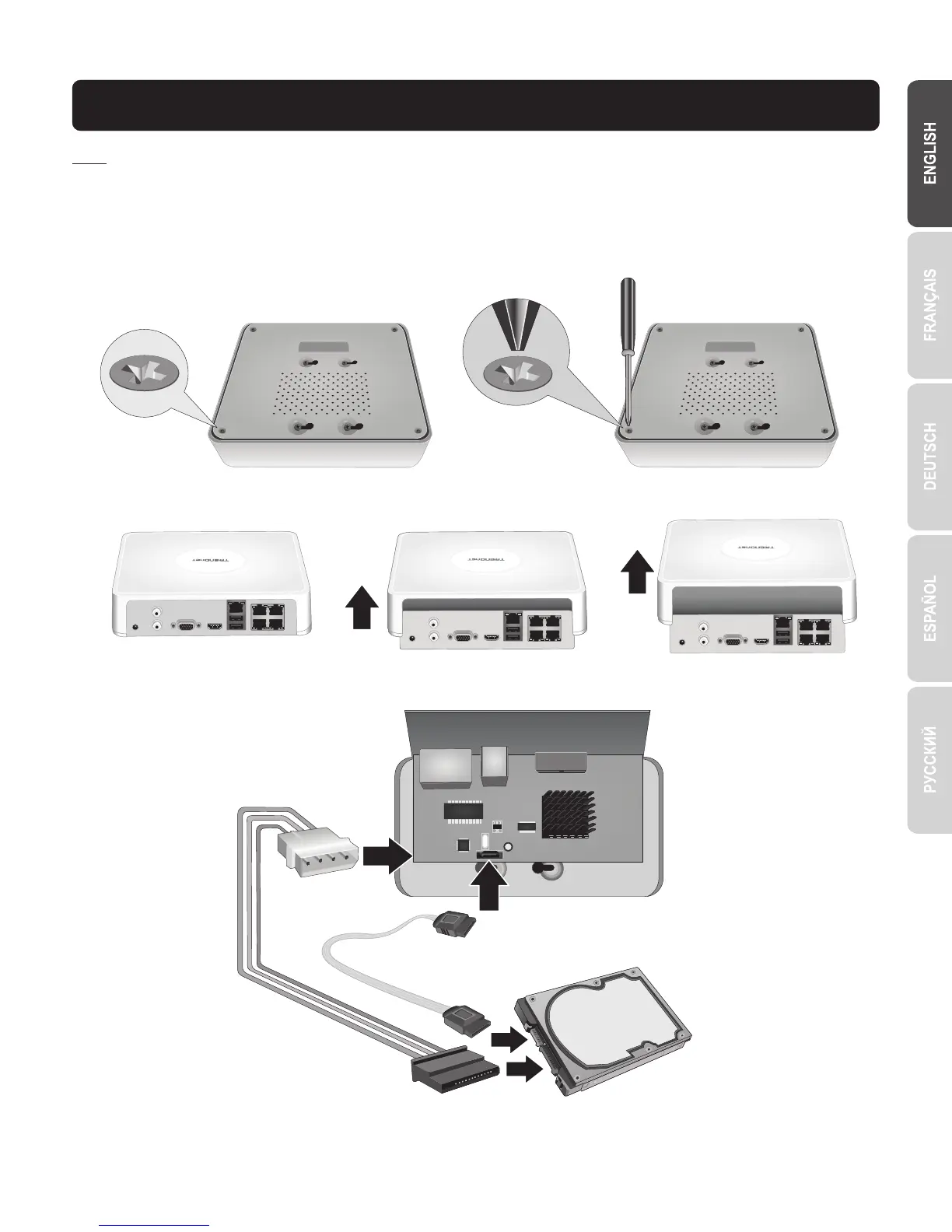
1. Remove the four retaining screws from the bottom panel of the TV-NVR104.
2. The top cover is slotted vertically. From the back of the unit, gently slide the cover up to separate it from the lower panel.
3. Attach the SATA cable to the hard drive (sold separately) and control board. SATA connectors are keyed to prevent improper installation.


 To Next Page