21
DPL 2220 / DPL 2218 ENGLISH
7.3 Under 【Movie】mode, the system support movie playing
, and the formats are DAT, MPG, VOB and MP4.
7.4 If the movie auto-play is on, the machine will play the
movie automatically when entering 【Movie】function.
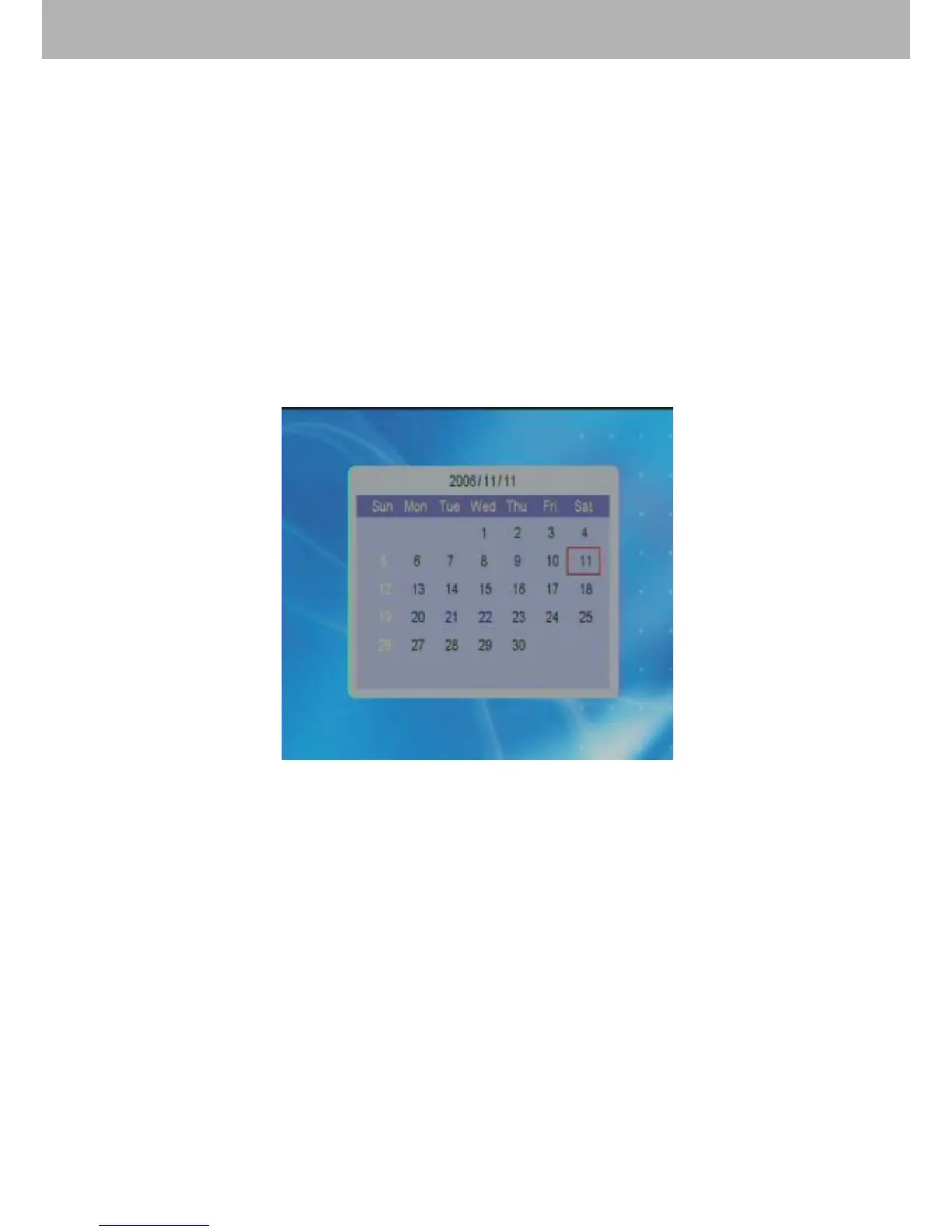
8.【Calendar】 Function
8.1 Display
Choose【Calendar】in the main menu, and press ENTER
to conrm. Then select “Display” and press ENTER to enter
into the calendar.
8.2 Week Inquiry
Users can press direction buttons to adjust month or year in
order to inquire about the week.
8.3 Date Setting
After choosing【Calendar】in the main menu, press ENTER
to enter into calendar setting mode. Select “Set Date” and
press ENTER to conrm. Use direction buttons to adjust the
date. Press “OK” or “Cancel” after above settings to exit.
Press “Exit” to return to the main menu.


 To Next Page