14
DPL 2220 / DPL 2218ENGLISH
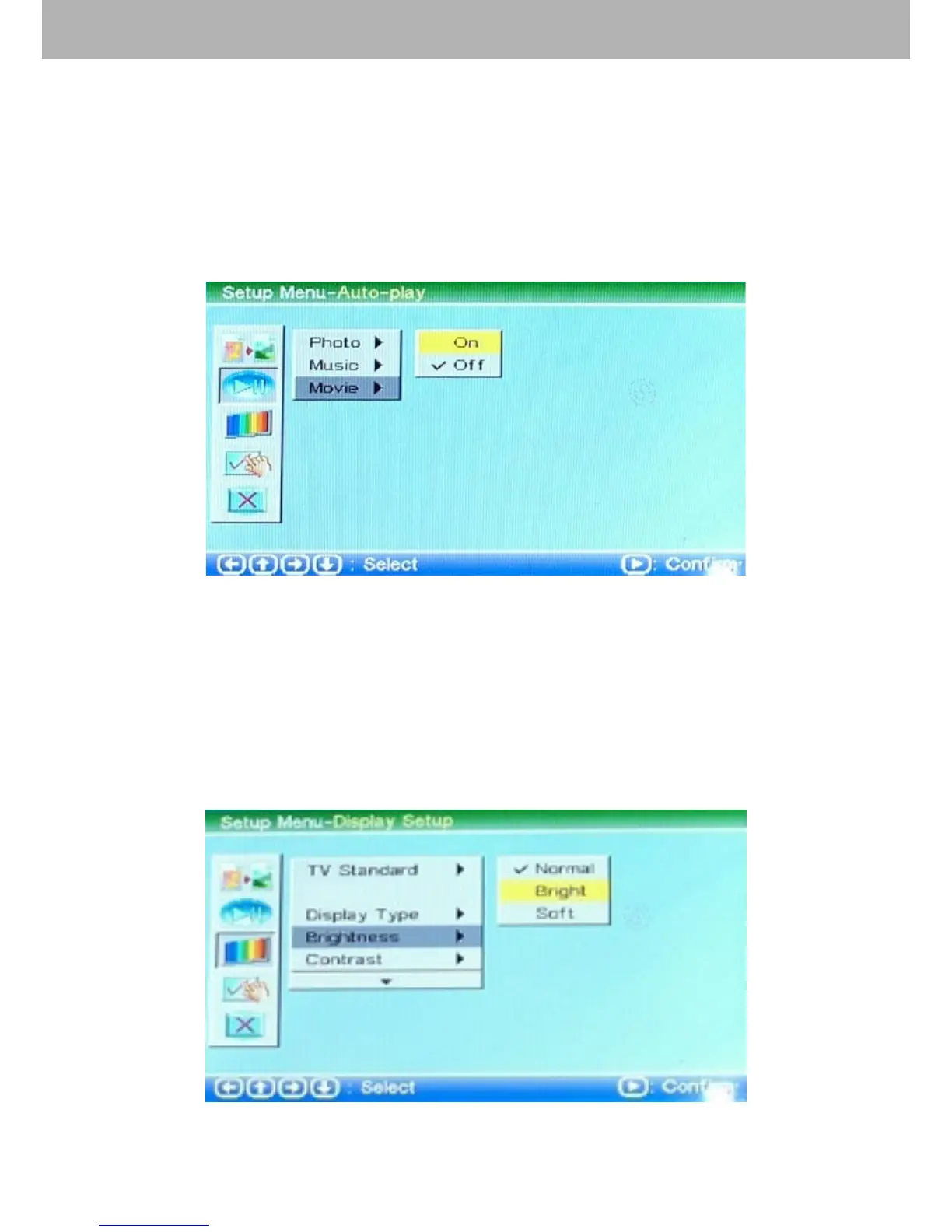
3.2.3 Movie Setting
Choose “Movie” by the cursor. Users can use this option to
turn on or off the 【Movie】 auto-play function. If the movie
auto-play is on, it will play movie automatically when entering
into 【Movie】 function; If the movie auto-play is off, it will
enter into movie le browse for users to browse movie.
3.3 Display Setting
Choose the third option by the cursor to set up the display
setting.
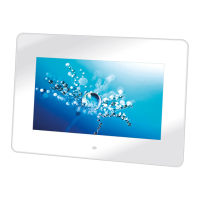
3.3.1 Brightness Setting
Choose “Brightness” by the cursor to adjust the brightness of
the picture. There are “Normal”, “Bright” and “Soft” for your
choice.


 To Next Page