20
DPL 2220 / DPL 2218ENGLISH
6.2 Under 【Photo + Music】mode, the system just support
photo and music playing , and the formats are JPG, MP2, MP3
and WMA.
6.3 If the photo and music auto-play is on, the machine will
play the photo and music automatically when entering 【Photo
+ Music】function.
7.【Movie】Function
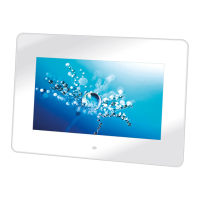
7.1 Choose【Movie】in the main menu. Press ENTER and
the machine will examine automatically whether the machine
connects any storage device (USB, memory cards). If not, it
will return to the main menu.
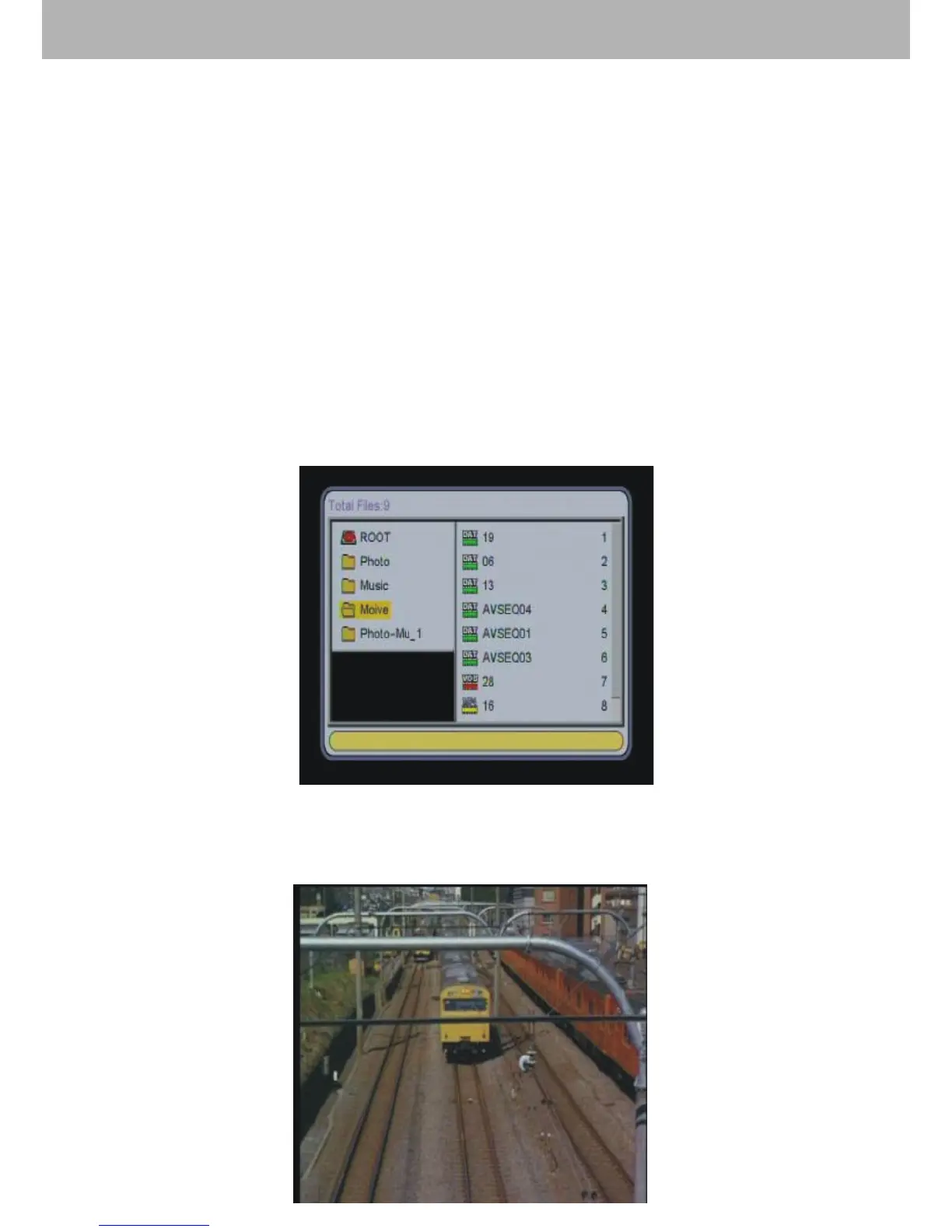
7.2 After connecting with a storage device and reading
correctly, it will use “File Manager” mode to handle playing
movie.


 To Next Page