22
DPL 2220 / DPL 2218ENGLISH
9.【Clock】 Function
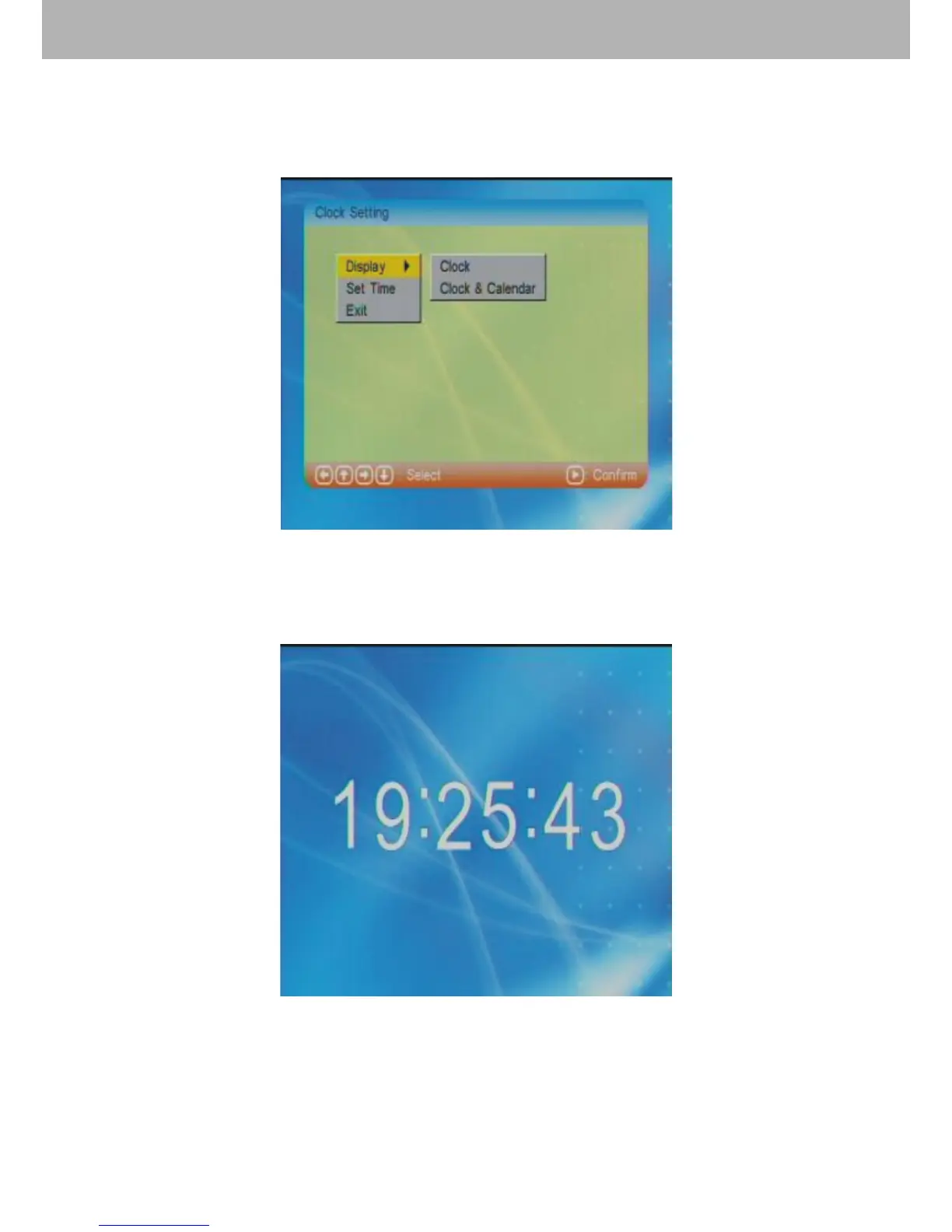
9.1 After choosing【Clock】in the main menu, press ENTER
to enter into clock setting mode.
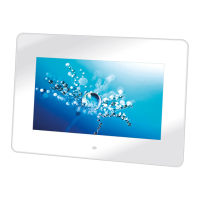
9.1.2 The “Display” function get users to choose “Clock” or
“Clock & Calendar” display on the screen. Choose “Clock”
and press ENTER to conrm, like picture above.


 To Next Page