33
24
23
6. Icons/Use
The icons displayed at the top of the screen provide information about the status of the
device. The icons listed in the table below are most common.
Icon Description Icon Description
Iicon strength of the network
signal
The phone stà playing a piece
of music
General/Outdoor user profile Receiving a new message
Silent user profile active USB
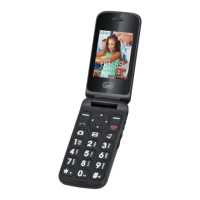
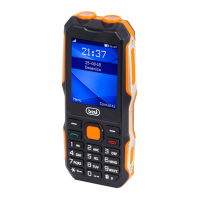
1. Earphone jack (3.5mm)
2. Micro USB socket.
3. Camera.
4. Led indicator missed calls + SMS+
Battery charge/Low battery.
5. Led indicator battery full +Tourch +LED
Flash camera.
6. Speaker Phone.
7. Display.
8. Multifunction button, the display shows
each time its function.
9. Answer a calls.
10. Quick Start camera function.
11. Key * (asterisk).
12. Numeric/letters keys.
13. Key #.
14. Quick start Audio player.
15. Quick start SMS function.
16. End call and power on/off function
(when long press).
17. Multifunction button, the display shows
each time its function.
18. Left, Right, Up, Down navigation keys
+ confirms button.
19. On/off extra Volume, On/off tourch
function (when long press).
20. Volume control.
21. SOS dialing.
22. Speaker.
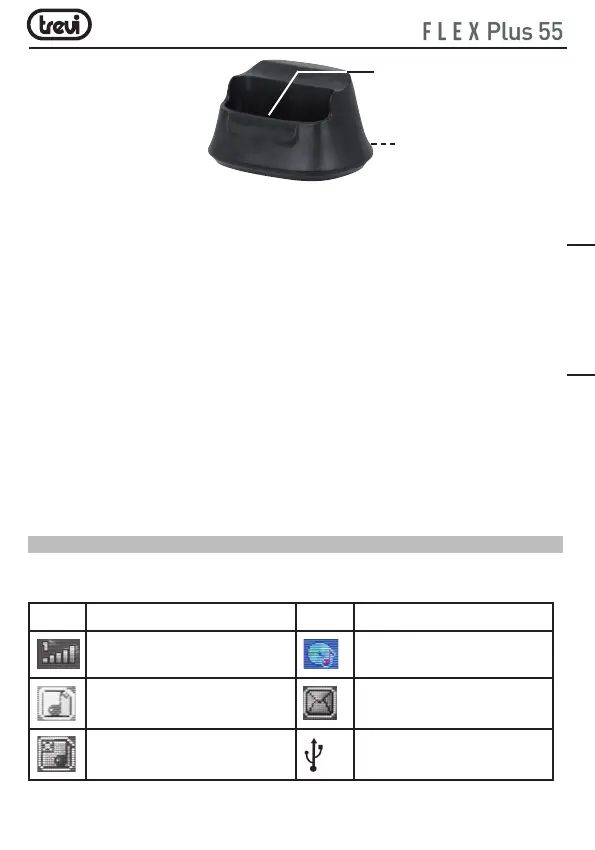
23. Metal pins for phone connection.
24. Micro USB socket for AC/DC adaptor.
ENGLISH


 To Next Page