11
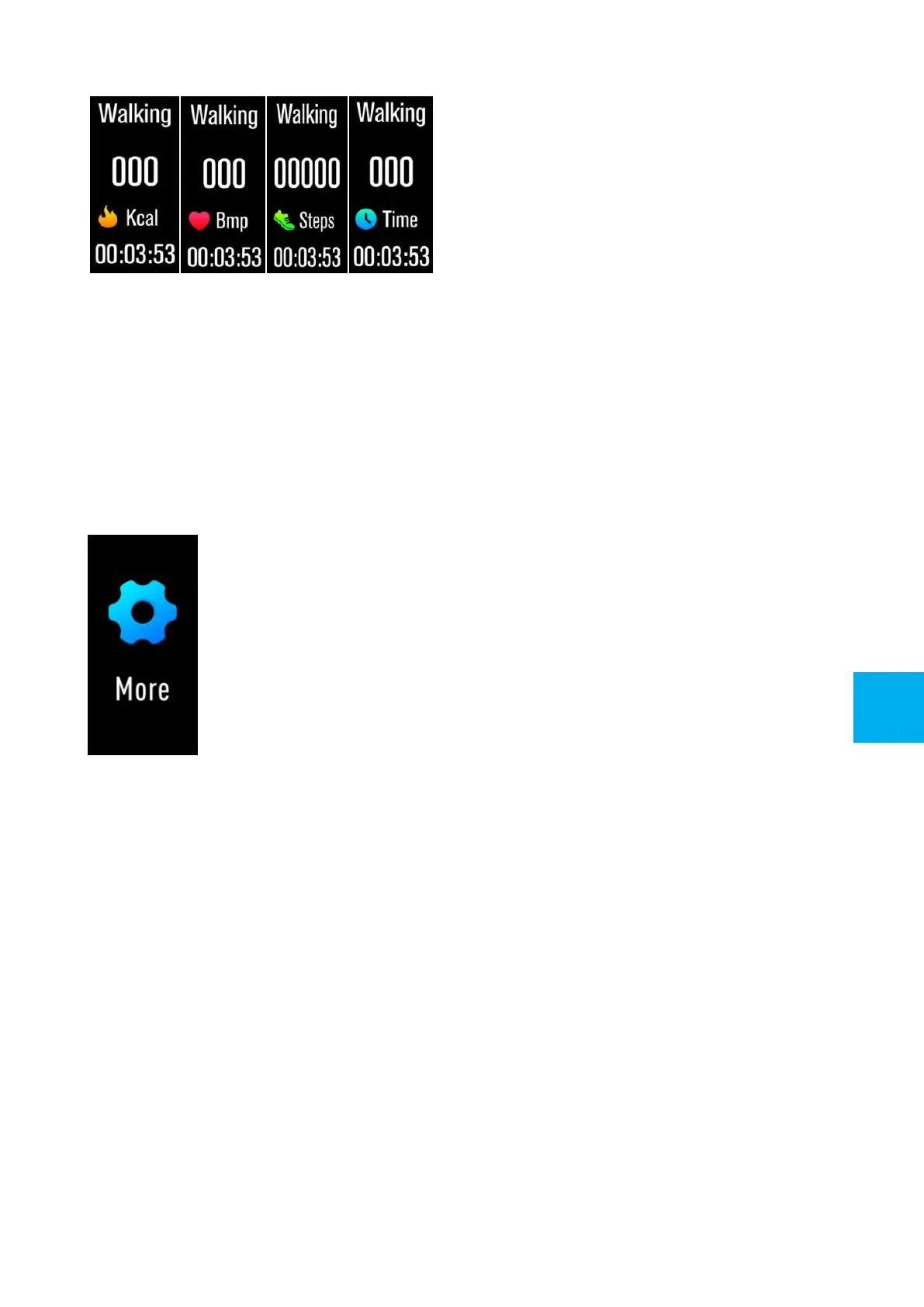
When completing the sport, press and hold the touch key to stop
recording your sport data, which is already saved in your device
and traceable on “Triacle Life” App of your smartphone.
Note: If sport time is less than 3 minutes, sport data will not be
saved.
More
Press and hold the touch key to enter the “More” function
interface, in which there are “Find Phone” “Skintemperature"
“Brightness” “about" and "shut down" submenus.
Find Phone
After the device connected to “Triacle Life”, long press the touch
key and your phone will ring and vibrate.
Skin Temperature
Long press the touch key and you can switch between Skin
temperature function and body temperature function.
GB


 To Next Page