7
Unbind the Smart Fitness Activity Tracker
Wristband with mobile phone
1. Open “Triacle Life” App on your smart phone
2. Tap “Disconnect device” in Settings.
3. Please select “TRIAT112” and click “Forget This Device” in
Bluetooth setting on your smart phone. (For iPhone only)
Operation Instruction
Raise hand or press the touch key to light up the screen.
Press the touch key to switch main menu interface.
Press and hold the touch key to activate the function of
“Confirmation”.
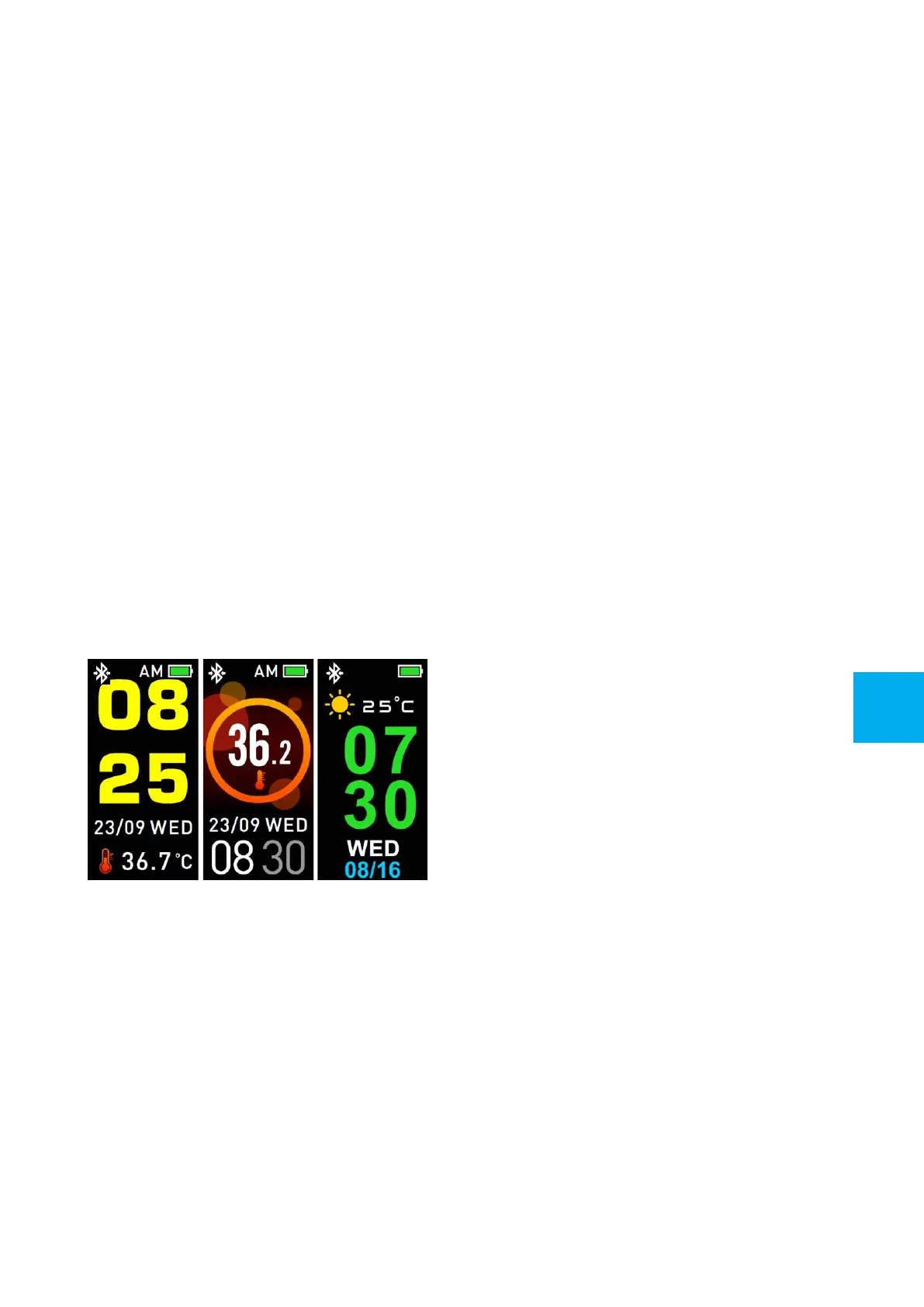
Watch Face
Press and hold the touch key to change screen dial. Press the
touch key again to select your favorite dial.
GB


 To Next Page