This push button switch is used to toggle the
amplifi er’s operating mode between Run and
Stand-by. In the Run mode the amplifi er is
operating normally. In the Stand-by mode the
amplifi er outputs are muted and the amp
is in idle drawing virtually no current from the AC
Mains and generating very little heat.
Run / Stand-by Indicator LED:
The BLUE LED on the front panel indicates
amplifi er status. When the LED is ON the amplifi er
is in the RUN mode. When the BLUE LED is OFF
and the Protect LED is YELLOW the amplifi er is in
the STAND-BY (MUTE) mode.
Power-on / Fault Indicator LED:
The GREEN LED on the front panel indicates
normal operation. RED indicates an over-temperature
or fault condition. In the event of a RED LED at the time
of installation, turn the amplifi er off, unplug the AC
Line Cord and check the output, cable, and speaker
for a short-circuit condition. If found, clear the short
circuit and continue the installation process. In the
event of a RED LED during normal operation, mute
the input signal to the amplifi er and wait a few
minutes for the GREEN LED to come on indicating the
amplifi er has cooled off and is ready to resume
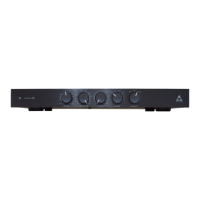
This potentiometer adjusts the RackAmp’s gain
when using the amplifi er’s Line Input. Use this
control to match the amplifi er/speaker loudness to
the level of your front LCRs or Satellites. This control
has no effect when the Theater Input is in use.
Lowpass / Crossover Control:
This control is used to adjust the frequency response
of the amplifi er. The crossover pot controls a fourth
order (–24dB/oct) Linkwitz-Riley lowpass variable
fi lter. The span of control for the –6dB turnover
(or “knee”) frequency is 35Hz to 250Hz with a Q
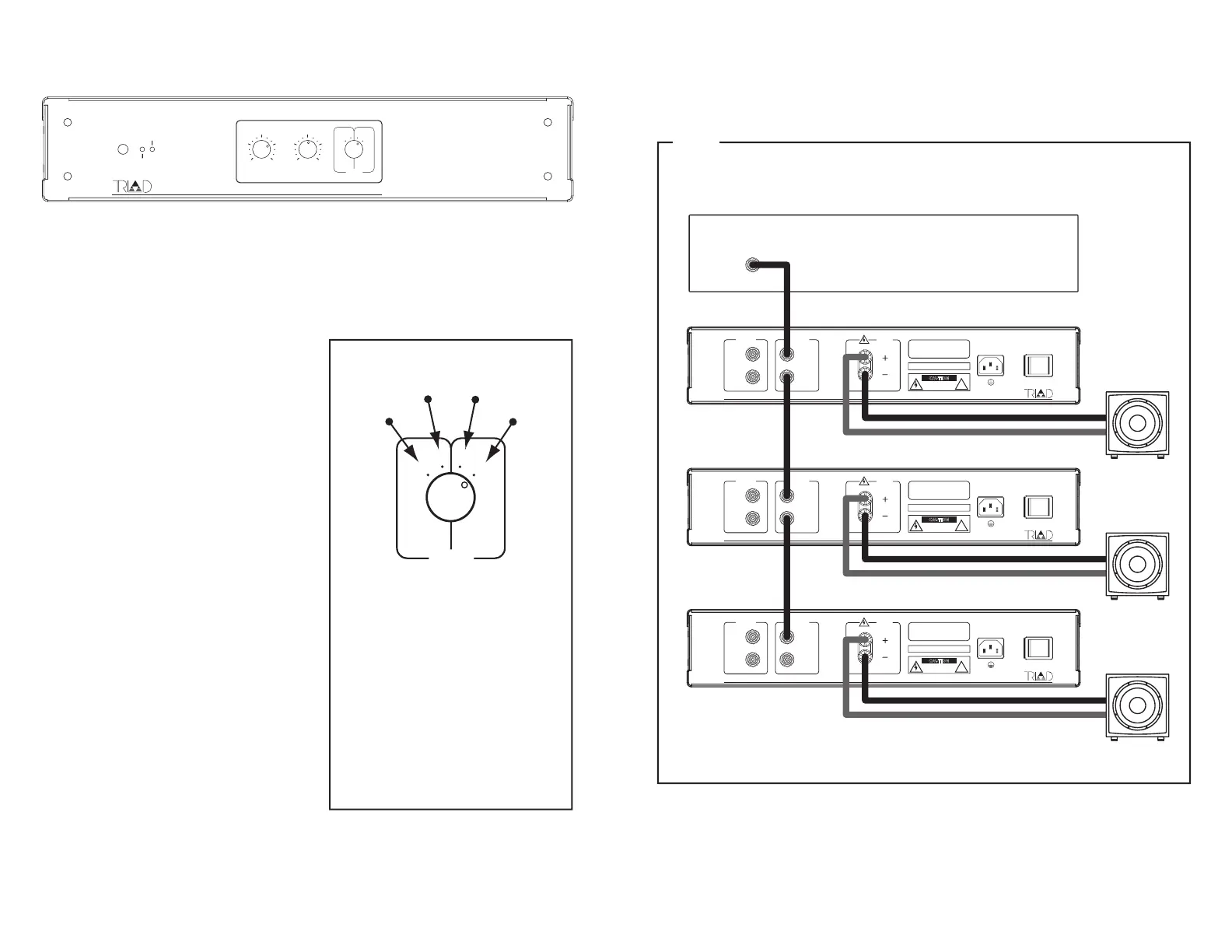
Phase / Crossover Switch:
This is a four position switch used to change
output phase from 0 deg to 180 deg and
to enable or by-pass the Crossover function.
0 deg Phase shift, Crossover enabled.
0 deg Phase shift, Crossover By-passed.
Use this setting when using a processor
180 deg Phase shift, Crossover enabled.
180 deg Phase shift, Crossover By-passed.
RackAmp LINE-LEVEL Hookup Info
:
!
:
!
:
!
�


 To Next Page
 Loading...