05.02.2016
RackAmp 700 DSP Quick Start Guide - P2
xxx.xxx.xxx.xx
IP Address
< Bronze SlimSub >
Current Sub Model EQ
Installer Menu
Shows selected sub model EQ
profile. Change the selected
sub to any current Triad
model. Flat has no EQ.
12 < 24 > 48
Sub Lowpass Slope
OFF < 20Hz > 21Hz
Sub Highpass Filter
300Hz< Thru > 30Hz
Line Output Highpass
Line < Off > Sub
Route Delay to
Line, Sub, Off
Applies time delay to line outputs
, sub
output,
or
neither.
Used
to
time-align
sub
to
speakers
or
to
additional
subs.
25.0 < 00.0 > 00.5
Delay in mS or (Ft)
IR < Sense >Trigg
Power On Method
00mS to 25mS
1mS delay equals 1 foot of distance.
03mV < 06mV > 09mV
Sense On Threshold
RackAmp 700 DSP
Bronze SlimSub
TRIAD SPEAKERS INC
Menus and Setup
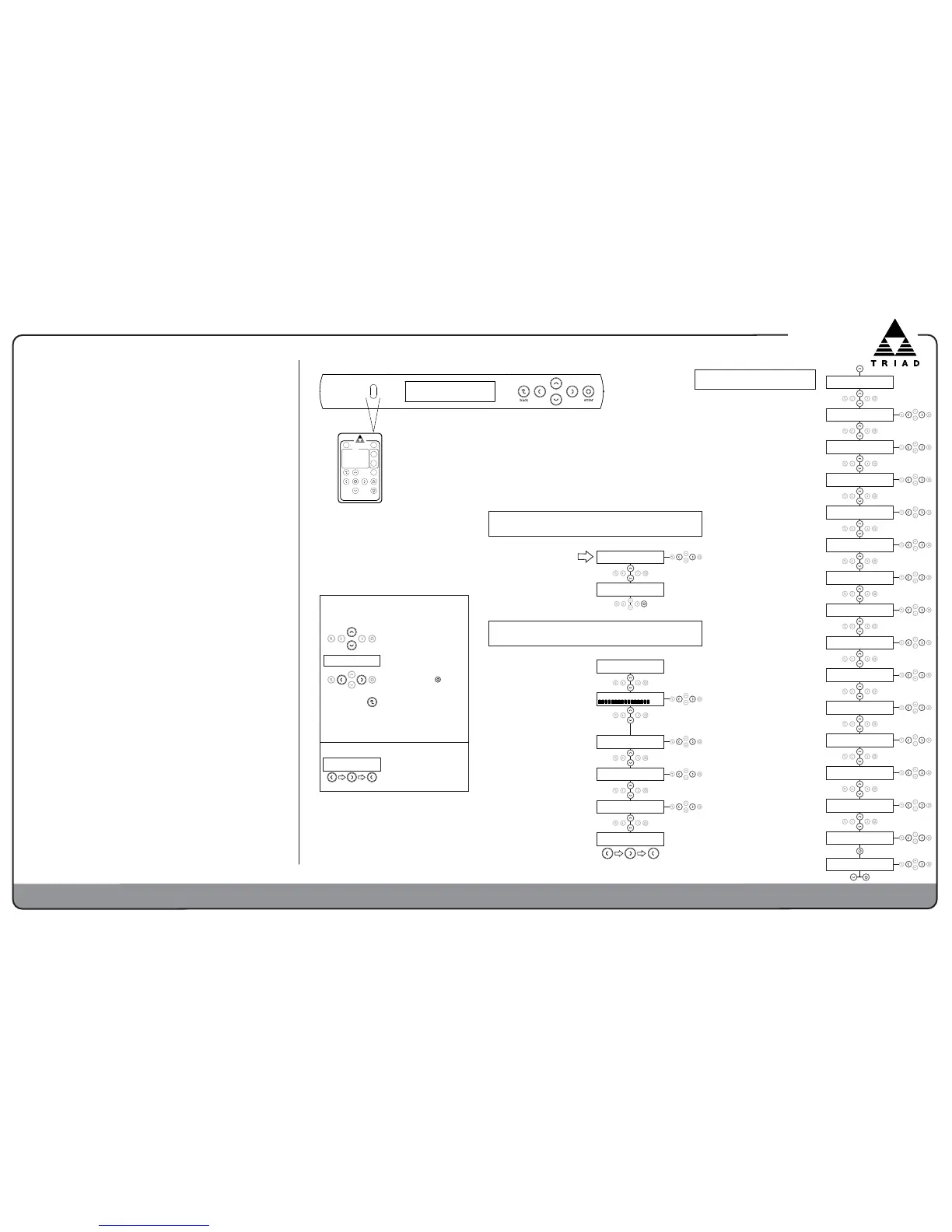
Use cursor and Enter buttons on
remote control or front panel
CINEMA
NORMAL
MUTE
OFF ON
enter
back
presets
USER 1 USER 2 USER 3
volume
PEQ
NIGHT
ON
OFF
RACKAMP 700 DSP
First Power On
Select Triad subwoofer model this amp will power.
< Bronze SlimSub >
Sub Model EQ Press
Bronze SlimSub
Confirm Model Press
+
.
.
.
.
+
.
.
.
.
Select Bronze SlimSub for
all current Bronze Slim Sub
Models. Flat has no EQ or
Sub HighPass Filter set.
User Menu
Bronze SlimSub
TRIAD SPEAKERS INC
0000000000000000
Volume <+00dB>
XLR < RCA > Speak
Input Source Select
User3 <Normal> Cinem
Preset Selection
Low <Medium> High
Display Brightness
Enter Code ***
Installer Menu
Current sub model EQ is shown.
Wait a few seconds to continue.
MUTE, -40dB to +11dB
Changing Volume is the only
way to adjust Input Gain.
Changes are permanent, not
volatile as before.
XLR, RCA, Speak
Select between balanced
(XLR), unbalanced (RCA), or
speaker inputs
Normal,
Cinema, Night,
User1, User2,
User3
Allow user
to select preset EQ profiles.
Low, Medium, High
Adjusts display brightness
on front of amplifier.
To enter Installer Menu,
press these three buttons
in sequence:
Menu Navigation, Operation,
and Saving:
Use Left and Right buttons to
change values. Enter is not
needed unless prompted.
All changes are saved
instantly. To exit Installer
Menu, press Back.
Submenus appear only when
relevant. For example, you can
only see & select a Delay
amount when Delay is active.
Access to the Installer Menu is
located at the bottom of the User
Menu. The code consists of
pressing Left, Right, Left in
sequence.
Enter Code ***
Installer Menu
Use Up and Down buttons to
navigate through menus
Item between arrows is
selected and active immediately
300Hz< LFE > 30Hz
Sub Lowpass Filter
INSTALLER MENU CODE
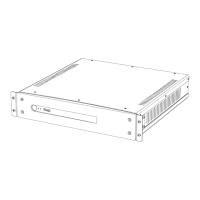
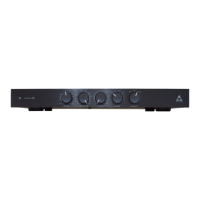
Features and Benefits - Triad RackAmp 700 DSP
Significant changes from previous Triad RackAmps are highlighted in bold italic.
Powerful RackAmp 700 DSP Class D amplifier technology provides
superior bass, setup, calibration, and control. It teams with Triad
subwoofers, singly or in multiples, to produce extended, high-impact,
& explosive bass for movies plus nuanced & detailed bass for music.
You will hear the difference.
Performance - Now with 700 Watts & built-in EQ profiles for
Triad's complete current subwoofer line to ensure peak performance for
each Triad model. New Flat setting lets it drive any subwoofer.
Size - Taking up just a single rack space (1RU), RackAmp 700 DSP saves
rack and shelf space.
Energy Star Compliant - High efficiency saves energy and money.
Balanced Input & Output - RackAmp 700 DSP mates with high-end multi-
channel and 2 channel systems using Balanced XLR connections.
Speaker Level Input
s - Let you add subs to any system, even house music.
3 Convenient Setup Methods.
1. Use RackAmp 700 DSP as-is for high-performance plug-&-play.
2. Front panel display and menus access a broad array of DSP filters &
control options to refine system performance and integration. Available
manually and with IR remote control.
3. For ultimate set up via computer, use any modern web browser over
IP to custom-tailor every aspect of RackAmp 700 DSP. IP lets you set
up & calibrate your system remotely when your amp is not in your
listening room. IP also gives you 2 Advanced Features: Create one Room
EQ profile with 6 manual PEQ filters to optimize your sub(s) to your room.
Customize up to 3 User presets, each with two additional parametric
filters and preset volumes, for different listening styles & circumstances.
2-Channel Bass Management with Crossovers and Delay (time alignment)
on Unbalanced and now on Balanced Line Outputs improves the sound of
your 2-channel music system.
Unique Multi-Sub Setup - Delays, filters, and level adjustments provide
increased control over daisy-chained subwoofers. Experience better bass
impact, dynamics, and accuracy when all your subwoofers work together.
4 Power/Control Options. Sense, Trigger (low-voltage), IR/IP (infrared),
and Manual power-on methods let you integrate RackAmp 700 DSP into
every type of control system.
Dynamic Menu. Menu changes take effect instantly so you hear changes
as you make them. All changes are now saved instantly.
Questions? Contact Triad sales & support at 1.800.666.6316
03mV, 06mV, 09mV, 12mV, 15mV
Sets the audio signal level threshold
to bring RackAmp 700 DSP out of
standby when in Sense mode.
5, 10, 20, 30, 60 minutes
Amount of time with no signal above
the Sense On Threshold, until
amplifier goes to standby.
10 < 20 > 30
Sense Off in Minutes
Yes, No
Resets RackAmp 700 DSP to factory
defaults. Requires confirmation below.
Yes < No > Yes
Factory Reset Press
+
.
.
.
.
180 < 00 > 180
Phase
0°, 180°
Invert phase of sub output
300Hz< LFE > 30Hz
Sub Lowpass Filter
30Hz to 300 Hz, LFE
Filters Sub output only. LFE by-
passes filter when using Sub cross-
over in your AVR or pre-processor.
12, 24, 48
Sets the rolloff slope (in dB/Octave)
of the Sub Lowpass filter.
20Hz to 100Hz,
OFF
Sets low-end extension for Sub
output only. Increase frequency for
more headroom. Do NOT turn OFF.
CA-RAN-RN8
SetsAtheArolloffAslopeA6inAdGQAof
Sub Highpass filter.
24 < 48 > 12
Sub Highpass Slope
Yes < No > Yes
Confirm Full Reset
Yes, No
Confirms a full factory reset of the
RackAmp 700 DSP.
+
.
.
.
.
30Hz to 300Hz, Thru
Removes lower frequencies from line
outputs. For 2-channel systems without
bass management & for tiered subs.
12, 24, 48
Sets the rolloff slope (in dB) of the
Line Output Highpass filter.
48 < 12 > 24
Line Highpass Slope
Manual, IR/IP, Sense, Trigger
Selects how the RackAmp 700
DSP powers ON out of standby.



 To Previous Page
 Loading...