EN EN
- 1 -
- 2 -
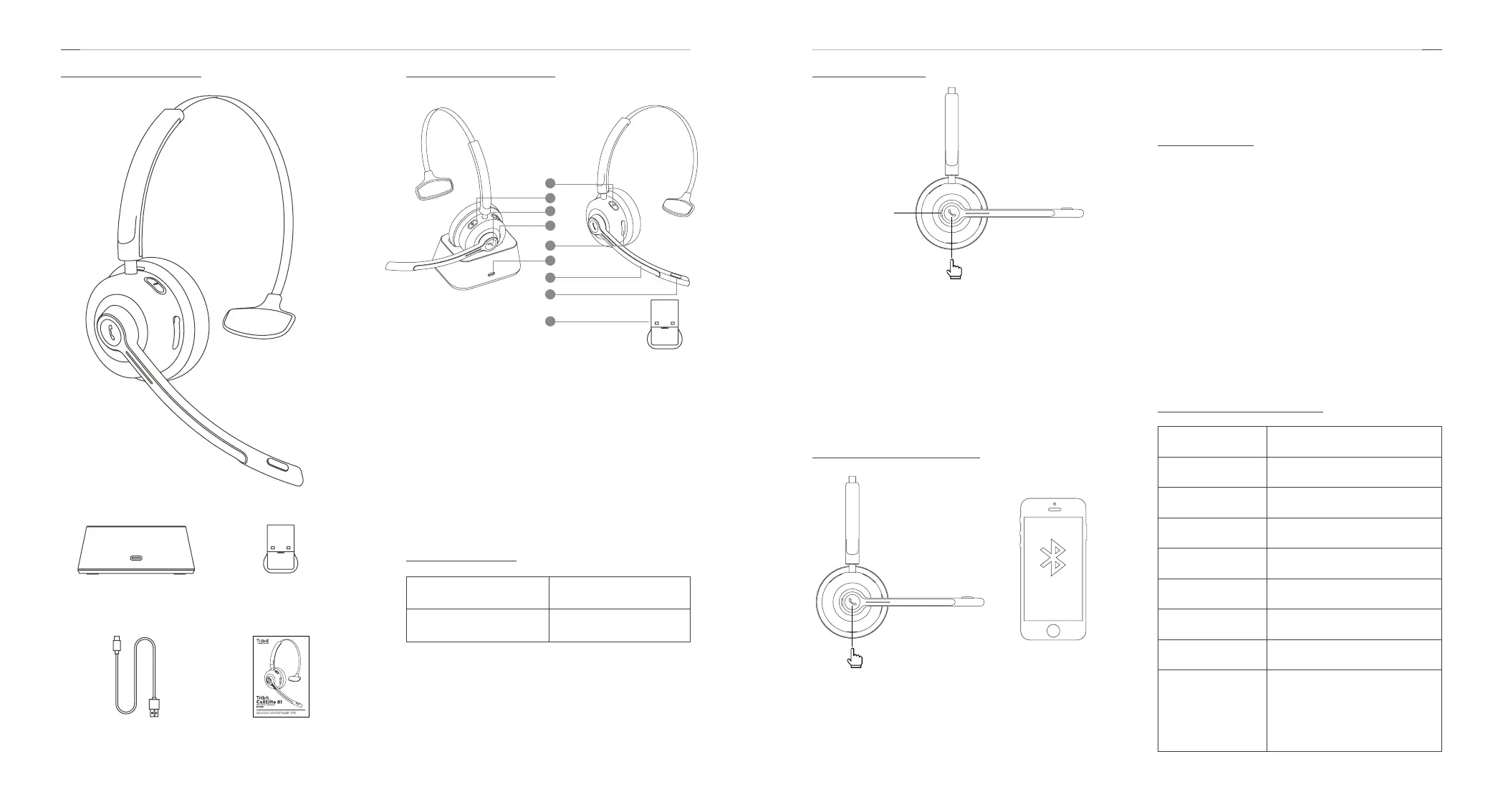
Package Contents
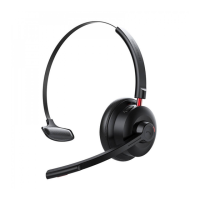
Tribit CallElite 81 Headset
Charging Base
USB-C Charging Cable
USB Dongle
User Manual
1. Volume -
2. Volume +
3. MFB button
4. LED Indicator
5. USB-C Charging Port (headset jack)
6. USB-C Charging Port (charging base)
7. MIC Bar
8. Mute button
9. USB Dongle
Product Illustration
6
7
8
9
1
2
4
5
3
Frequency Range 2.402GHz ~ 2.480GHz
Max. Transmission Power
≦
6dBm
Specications
Power On / Off
1. Power on: Press and hold the MFB button for 2s until
there is a prompt voice “Power on”. The green LED
indicator will glow steadily for 2s.
2. Power off: Press and hold the MFB button for 4s until
there is a prompt voice “Power off”. The red LED indicator
will flash for 1s and then turn off.
Bluetooth Connection
1. Press and hold the MFB button for 4s until the green
LED indicator flashes, and then the headset will
automatically enter Bluetooth pairing mode. The red /
green indicator lights will flash alternately.
Green LED
indicator on
2s
2. Open the Bluetooth menu on your phone and refresh
the Bluetooth device list, then select the audio device
named “Tribit CallElite 81” to begin pairing.
Mute Button
1. In the conversation state, short press the mute button
and there is a prompt voice “Mute on”. Then the
conversation will be muted.
2. In the mute state, short press the mute button and there
is a prompt voice “Mute off”. Then the conversation will
be restored to normal.
3. The mute function is only valid during conversation.
When you put someone on mute, they aren’t able to
hear anything you’re saying but you can still hear them.
For any third-party software, you may probably set the
mute function on the device it connects to.
Buttons Functionality
4s
Tribit CallElite
81
-->
Increase the volume Short press + button
Decrease the volume Short press - button
Next track Press and hold + button for 2s
Previous track Press and hold - button for 2s
Play / Pause Short press MFB button
Answer / End a call Short press MFB button
Reject an incoming call Press and hold MFB button for 1s
Activate / Turn off Siri Press and hold MFB button for 2s
Clear the pairing list
Press and hold the MFB and + buttons
for 4s in power-on state simultaneously
to clear the pairing list, and then the
headset will automatically go back to
pairing mode.


 To Next Page
 Loading...