3-2
Expanding Your Tablet Computer
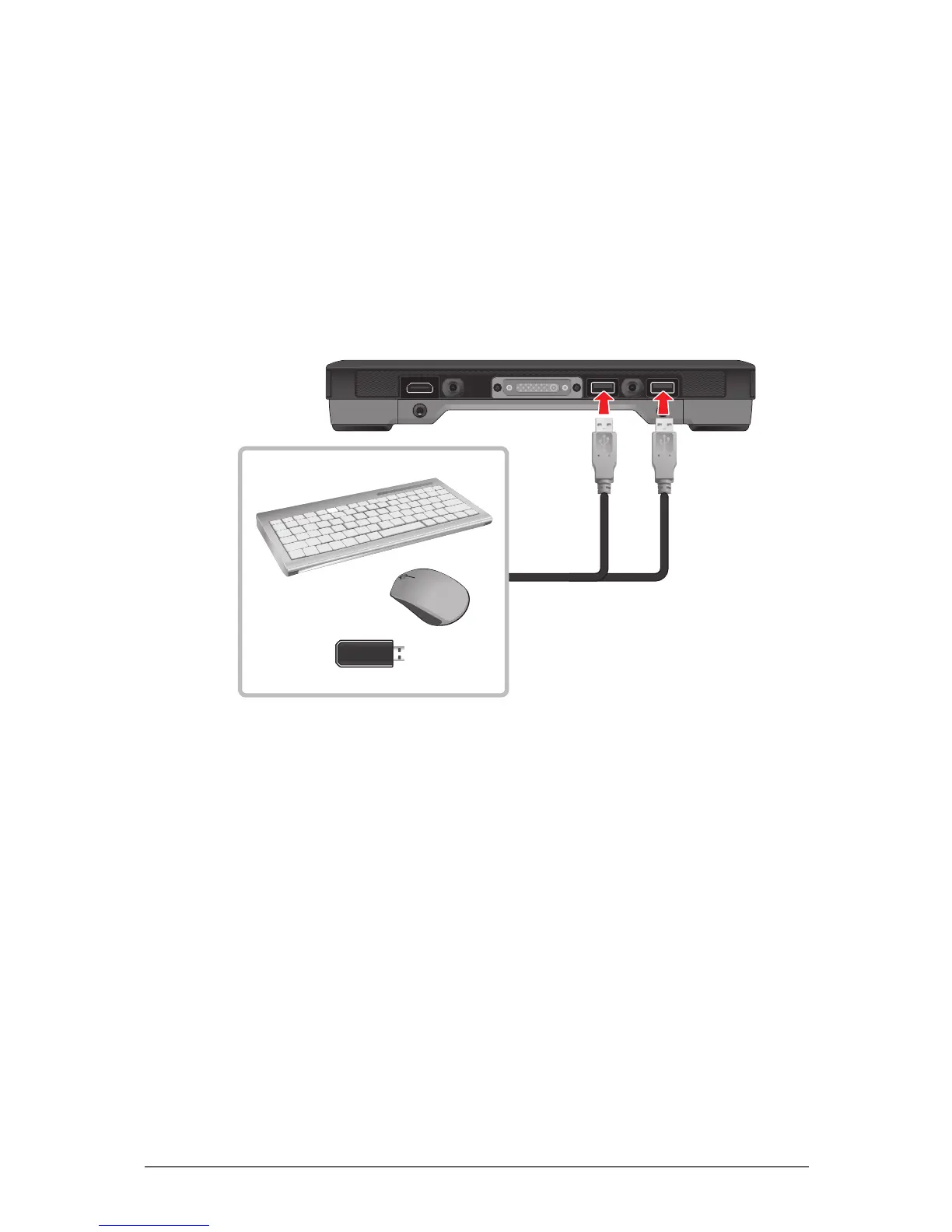
Connecting USB Devices
Your Tablet Computer has two USB ports for connecting USB devices, such as
a ash disk drive, scanner, printer, keyboard, and mouse. The Tablet Computer
has built-in support for mass storage devices and human interface devices.
Other types of USB devices may require drivers.
To connect a USB device, simply plug the device cable into one of the USB
ports of your Tablet Computer.



 To Next Page