1-10 Getting Started
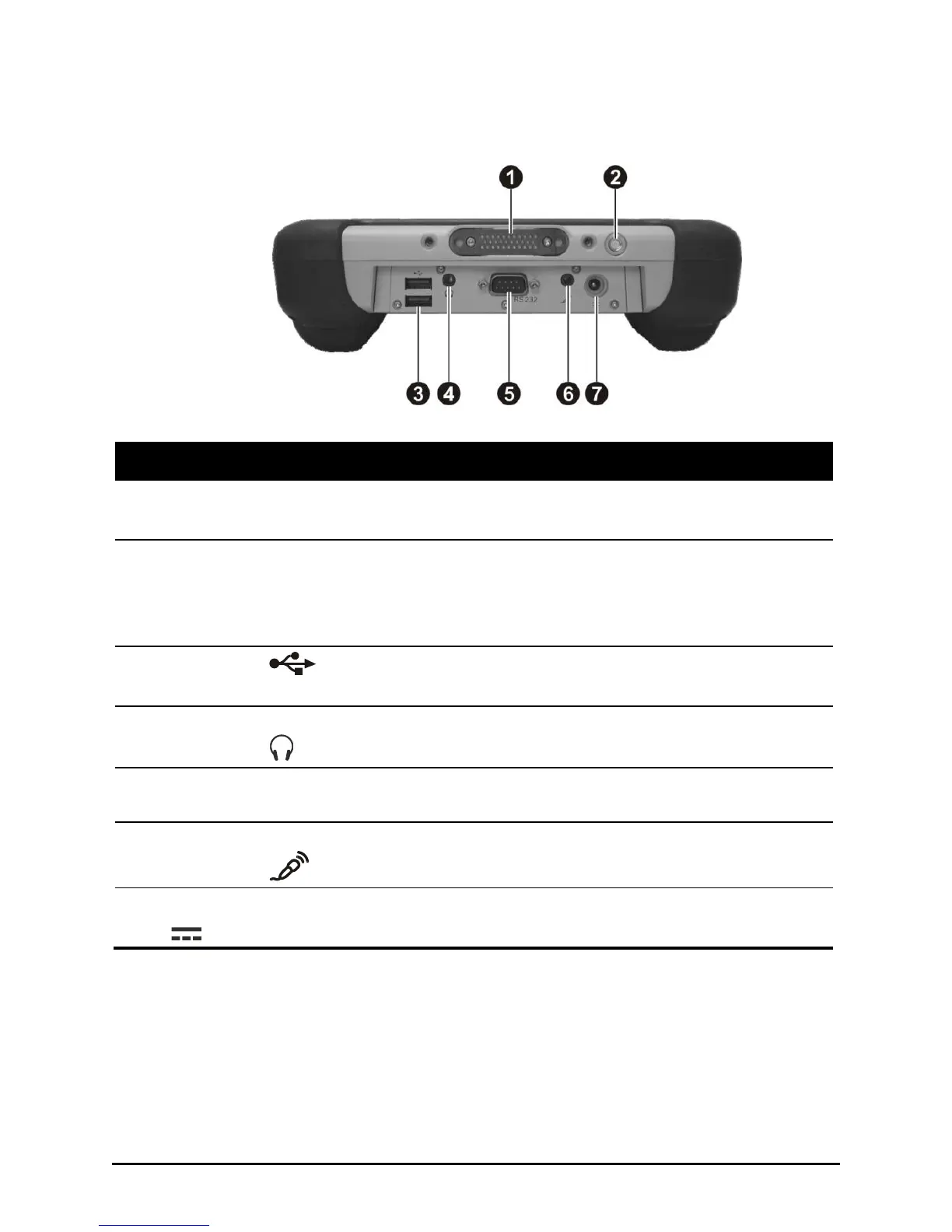
Bottom Side
Connects to a docking station.
External GPS
Antenna
pass-through
Connector
Will support connection to an external GPS antenna once
the active vehicle dock accessory is available.
Each of the two ports connects a USB device, such as a
USB flash drive, printer, keyboard, joystick, and more.
Connects a set of headphones, external speakers with
amplifier, or an audio recording device.
Connects a serial communication device.
Connects an external microphone.



 To Next Page