3-4 Managing Power
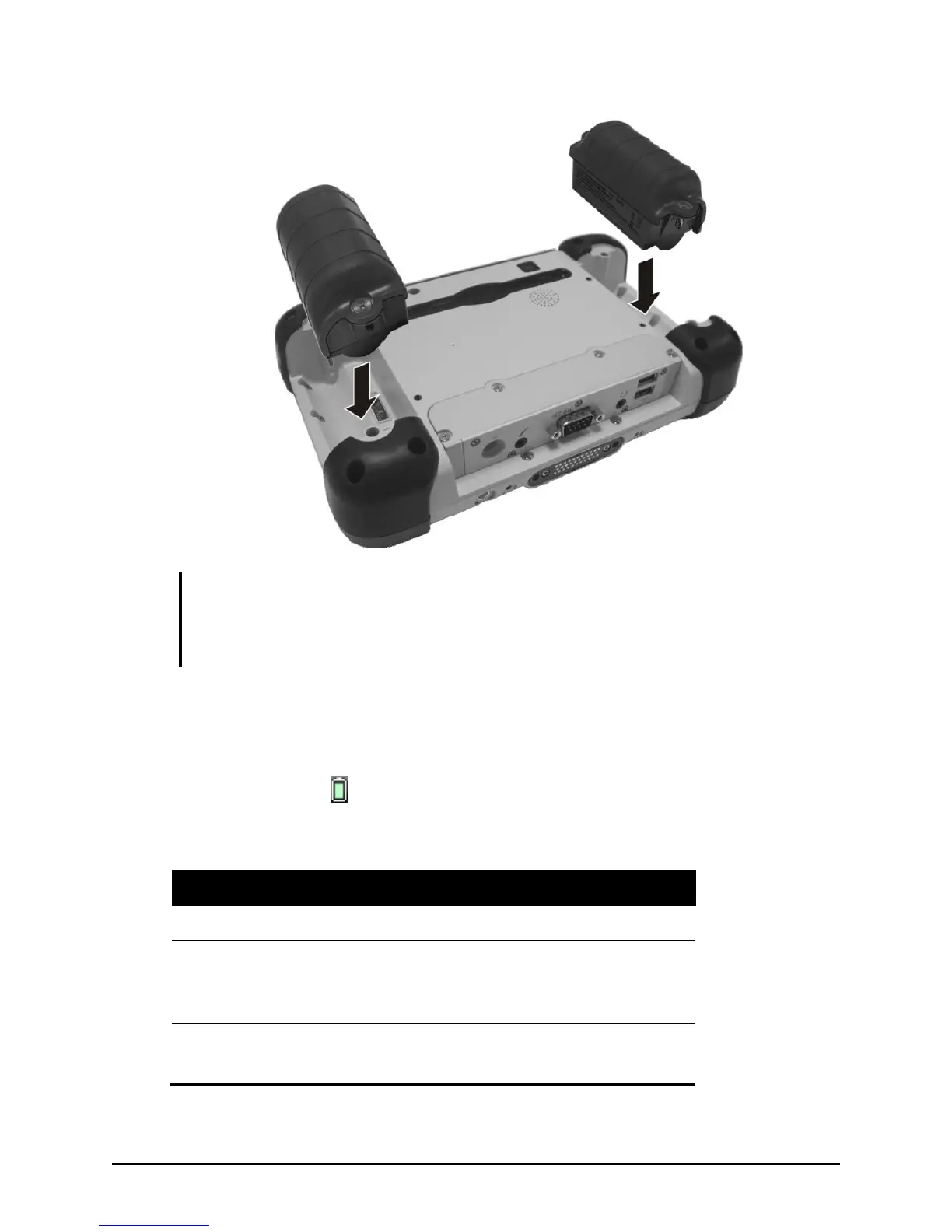
NOTE: You can still operate the tablet computer on one battery while replacing the
other battery pack. Operating on one battery for longer periods is not recommended as
an empty battery pack slot exposes the computer’s internal parts to environmental
hazards such as dust and water.
Battery Low Signals and Actions
The battery icon
changes appearance to display the current state of the
battery so that you can see how much charge remains (Windows default
setting).



 To Next Page