3-6 Managing Power
Power Management
Your tablet computer supports ACPI (Advanced Configuration and
Power Interface) for power management. The power management feature
helps reduce the power consumption to extend the battery life.
With Windows Vista, power supply to different tablet computer
components is controlled on an as-needed basis. This allows maximum
power conservation and performance at the same time.
Windows comes with pre-defined Power Options (Balanced, Power
Saver, and High Performance) for you to select. By default, your tablet
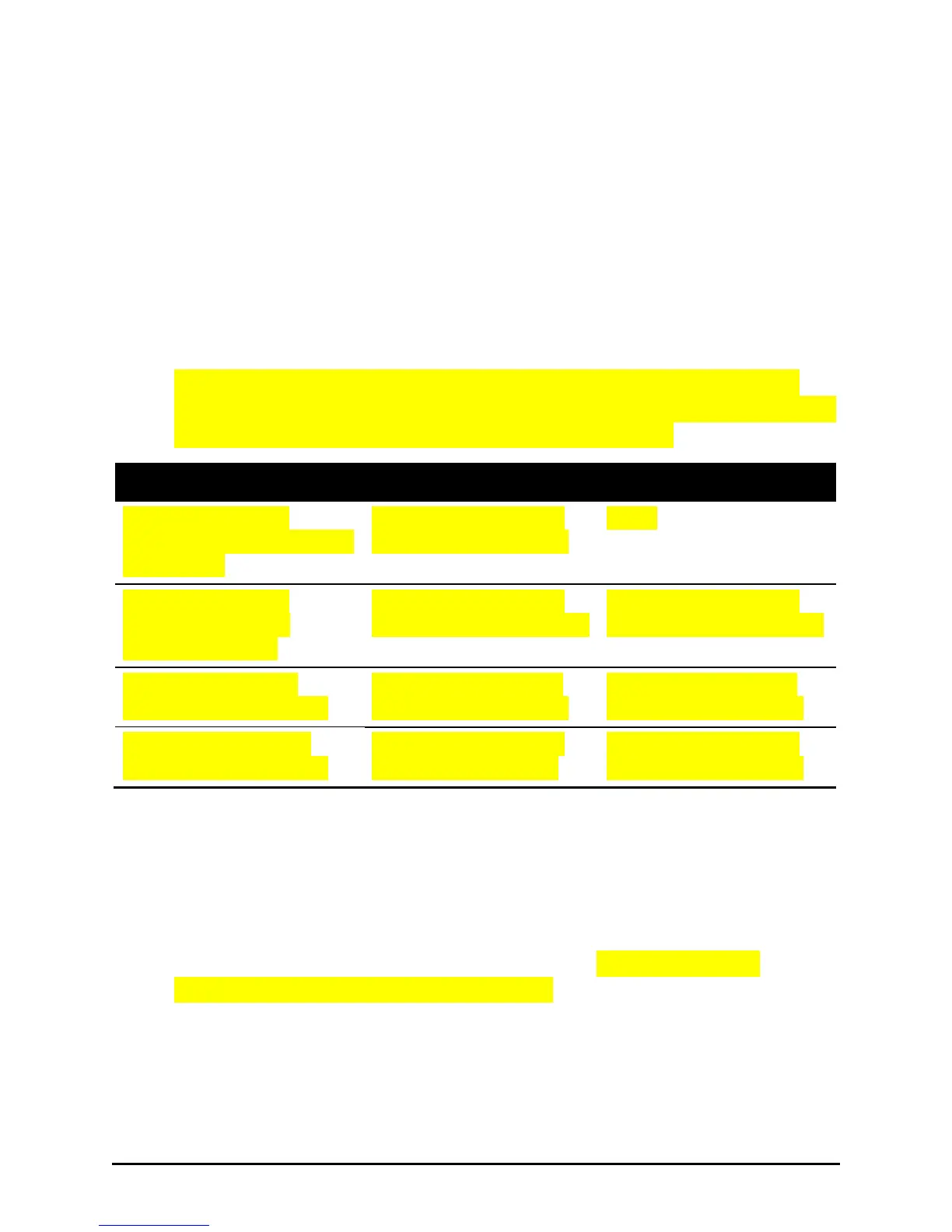
computer is in Balance mode which works in this way:
The tablet computer
automatically enters Hybrid
Sleep mode.
The computer has been
inactive for 15 minutes.
The tablet computer
automatically enters
Hibernation mode.
The computer has been
inactive for 1080 minutes.
The computer has been
inactive for 1080 minutes.
Power to hard disk is
automatically turned off.
The hard disk has been
inactive for 10 minutes.
The hard disk has been
inactive for 20 minutes.
Power to the display is
automatically turned off.
The computer has been
inactive for 5 minutes.
The computer has been
inactive for 20 minutes.
For detailed information on power management, see Windows’ Help.
Hybrid Sleep or Normal Sleep Mode
You can quickly place your tablet computer in Hybrid Sleep mode using
the power button on the Windows Start Menu or using the tablet
computer’s power button (default setting).
There are two types of Sleep mode— Hybrid Sleep and normal Sleep. By
default, Hybrid Sleep is activated. Hybrid Sleep is a very low power state
that combines the quick-resume benefits of Standby with the data
protection benefits of Hibernation.


 To Next Page
 Loading...