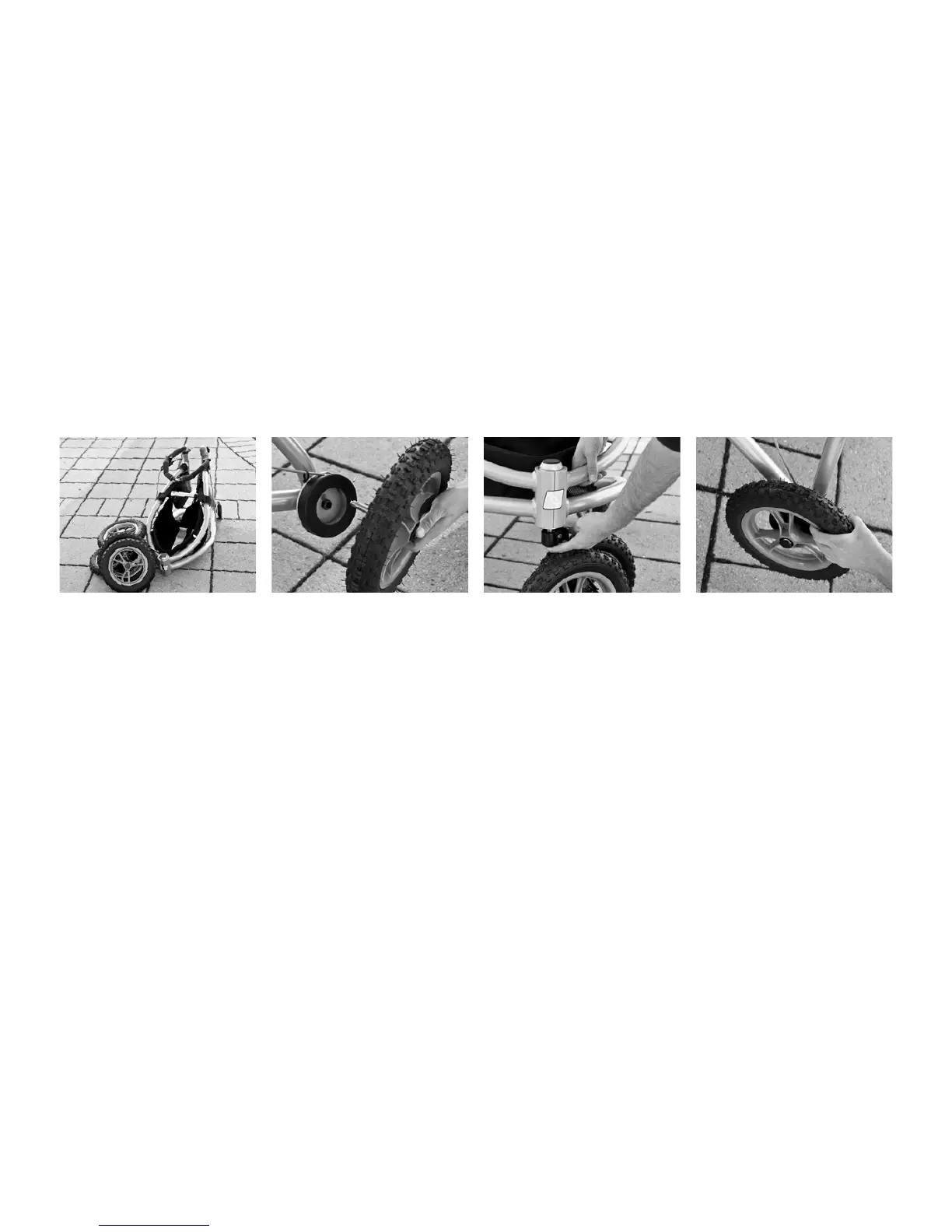
1. Mount the wheels in the
frame’s rear axle holes by press-
ing the black button in the cen-
tre of the wheel and then push-
ing the axle all the way into
the axle hole. Release the push
button.
2. Check that the wheel is
properly attached by pulling it
sideways.
3. Mount the front wheel to the
front bottom end of the frame
in the same manner, i.e. press
the button at the bottom of
the axle and press the axle into
First Time Use
the axel hole from underneath.
Release the push button.
4. Check that the wheel is
securly fastened by lifting the
frame from the surface and
pulling the front wheel down-
wards.
5. Adjust the height of the
handlebar as described in
Chapter «Handlebar Adjust-
ment».



 To Next Page