Cause
- Mechanical fault
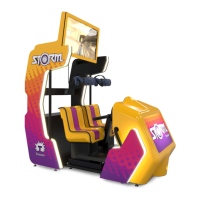
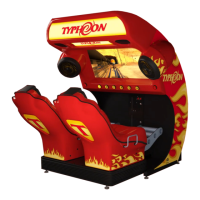
-Unplug the Typhoon.
-Lift the back of each seat to see if they move freely.
DOES NOT MOVE FREELY
-Replace DRIVE ASSEMBLY
MOVES FREELY
-Re-seat actuator on side the error appeared
(diagnostic screen).
Software (overweight)
Software (overweight) Command OverRun Fail State
Software (OverPos)
Software (Travel) Command OverRun Fail State
Software (Travel)
Diagnostic screen and error codes
Continued
Troubleshooting
16
Verify coupler & tighten (see section 20).
If no change, replace whole actuator.


 To Next Page