8
Application with Multiple Sources
1
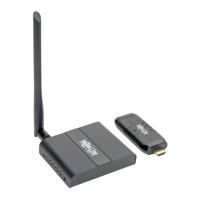
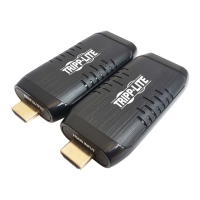
Connect the HDMI male end of the transmitter to an HDMI
source (ex. laptop, Blu-ray player).
2
Repeat Step 1 as many as 9 more times. A maximum of 10
transmitters can connect to a single receiver.
3
Connect the receiver’s HDMI Output to the display with a
user-supplied HDMI cable.
4
Connect the power supply to a compatible AC outlet to turn
on the receiver.
5
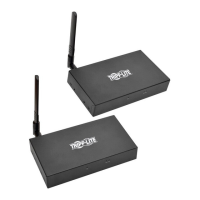
All transmitters and the receiver will pair with each other
automatically.
Note: When the devices are pairing, be sure the units are within the
allowable 50 ft. (15 m) distance.
6
To switch between source devices, press the Switch button
on the transmitter of the desired source.
Installation
Notebook
HDMI Extender
TX Sender
10 pcs
HDMI Extender
TX Sender
HDMI
Display
Notebook
HDMI Extender
RX Receiver
HDMI Output



 To Next Page
 Loading...