7
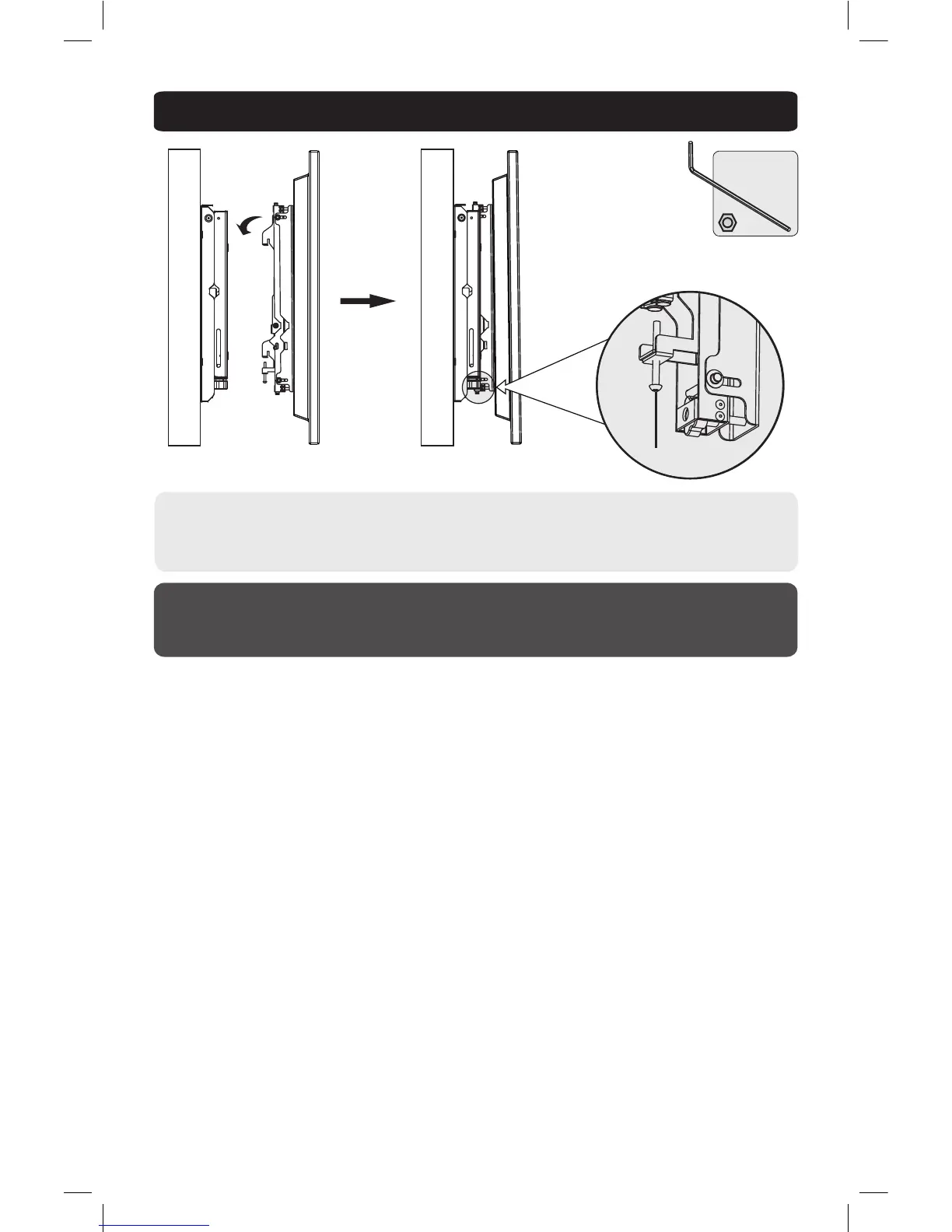
3. Attach Mount Arms to Wall Bracket
Maintenance
• Check that the bracket is secure and safe to use at regular intervals (at least every three months).
• Please visit www.tripplite.com/support if you have any questions.
• Attach display to wall bracket and slide into position. Loosely fasten mount arms into place using security
screws.
• Adjust display until it’s in the desired position. Tighten security screws using supplied Hex key to lock into
place.
Wall Wall
Security Screw
13-09-030-9332E8-EN.indd 7 4/3/2014 2:58:02 PM



 To Next Page