8
1111 W. 35th Street, Chicago, IL 60609 USA • www.tripplite.com/support
Maintenance
• Check that the bracket is secure and safe to use at regular intervals (at least every three months).
• Please visit www.tripplite.com/support if you have any questions.
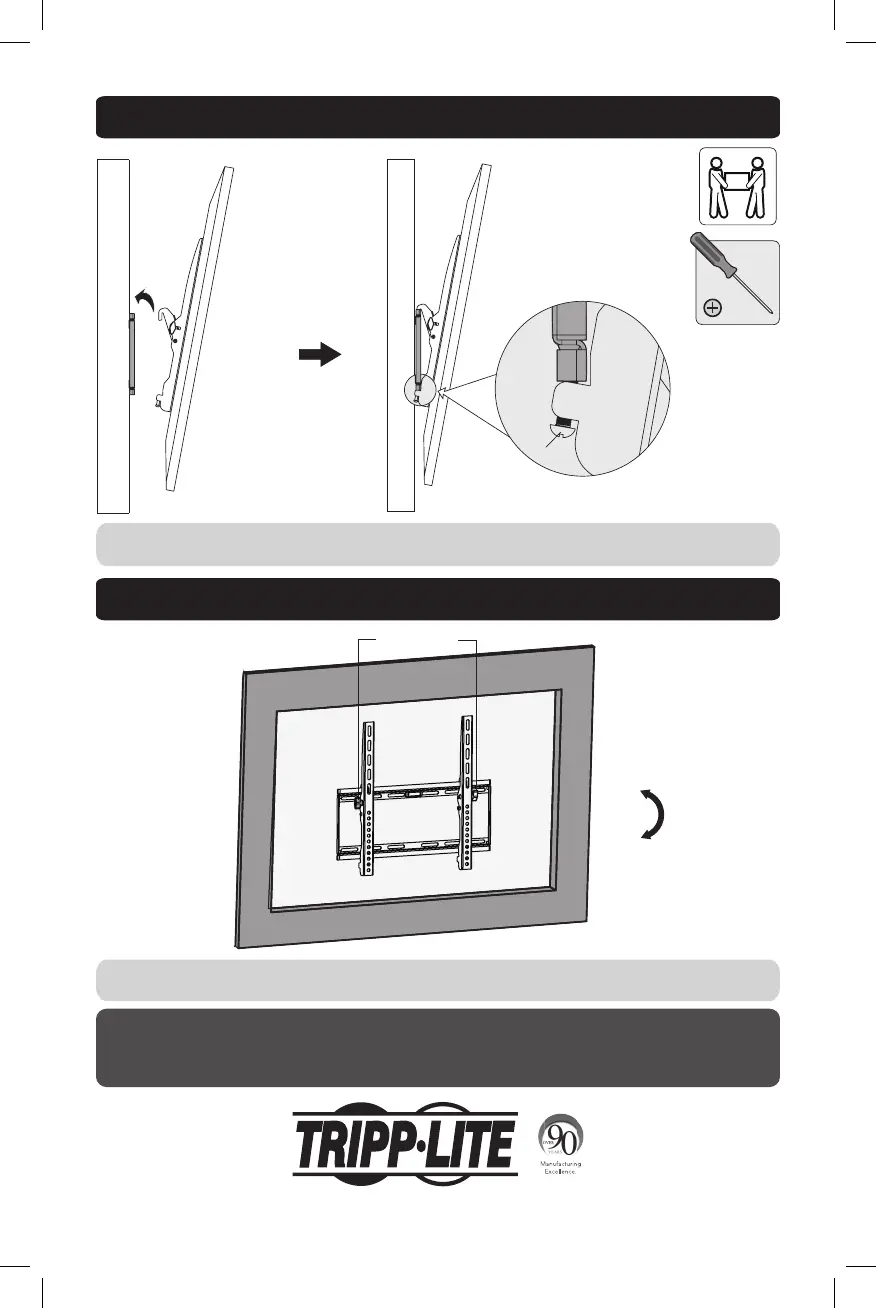
3. Hang Display onto the Wall Plate
4. Adjustment
Wall
Tilt Adjusting
Knobs
Wall
Bolt
Using an assistant or mechanical lifting equipment, hook the display with attached adapter brackets over the top
of the mounted wall-plate. Tighten the two bolts on the bottom of the adapter brackets to secure the unit.
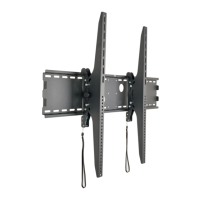
To adjust the tilt angle, loosen the Tilt Adjusting Knobs located on the sides of the adapter brackets. Once the
display is at the desired angle, retighten the knobs to hold.
0°
-10°
14-04-253-93333F.indb 8 5/7/2014 1:50:06 PM



 To Next Page