Need help?
Do you have a question about the Triton Audio Trigger and is the answer not in the manual?
Cautionary advice regarding potential permanent hearing loss from prolonged high volume use.
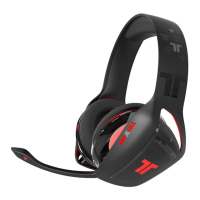
The main audio output device for the stereo headset.
Cable for connecting headset to console or controller.
Adapter for analog audio signals.
On-cable control unit for adjustments.
User guides for product information and setup.
Connects the headset via USB to the Xbox 360 console.
Adjusts the volume levels for game audio and voice chat.
Illustrates connections to the Xbox, controller, and headset.
Enables or disables the microphone input.
Connects the analog adapter to the console's AV output port.
Links the headset's RCA cable to the analog audio adapter.
Connects video and audio signals using RCA cables to TV or console.
Attaches the headset's connector cable to the Xbox controller.
Confirms the headset is connected and ready for operation.
 General
| Brand | Triton Audio |
|---|---|
| Model | Trigger |
| Category | Headsets |
| Language | English |


 To Next Page