1483
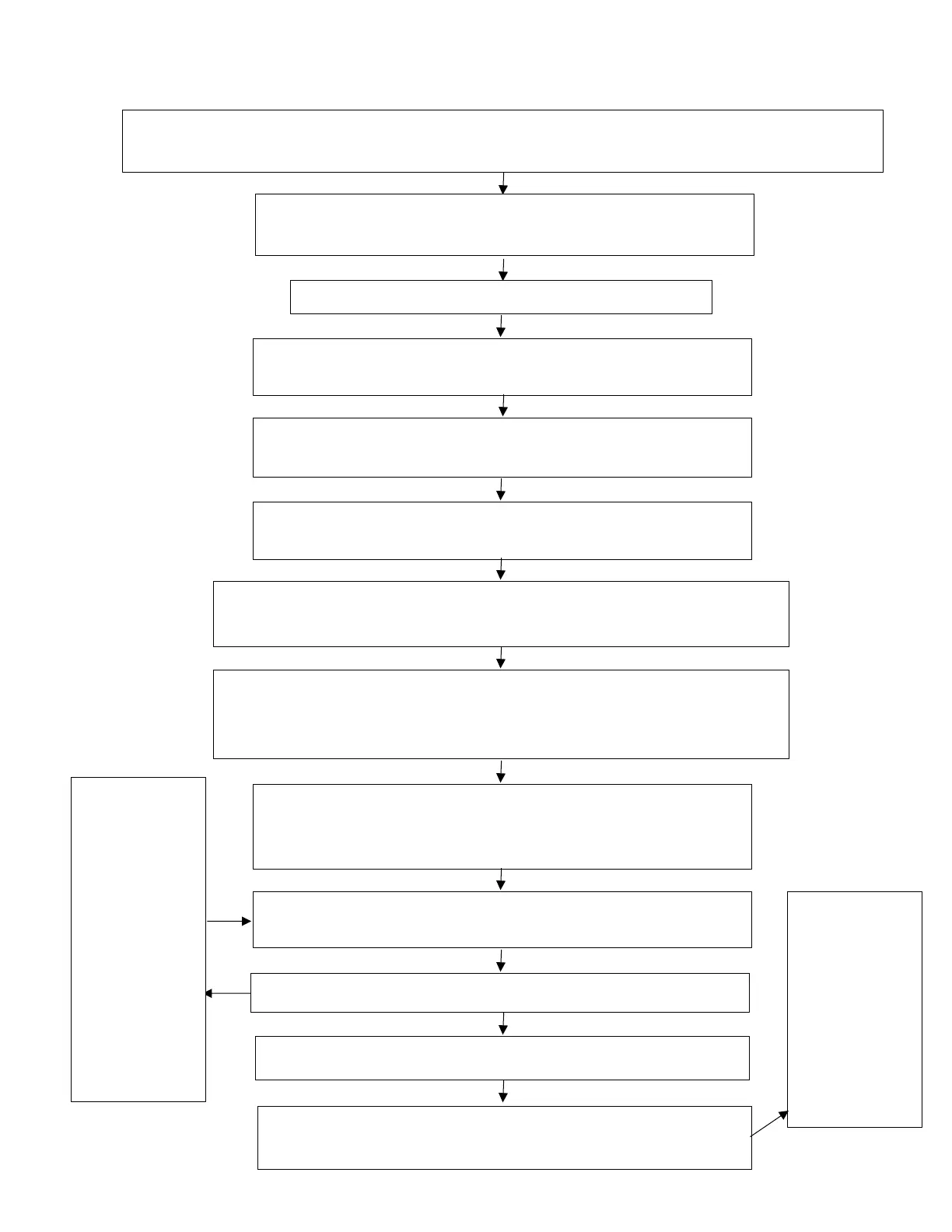
Instrument Calibration - Failed Download Recovery Flow Chart
Remove components as necessary to gain access to the instrument's electrical connector.
Do not disconnect the battery.
Turn ON the motorcycle ignition.
Make sure the engine stop switch is in the STOP position.
Disconnect the instruments.
Connect the Triumph diagnostic tool and navigate to
DOWNLOAD, then INSTRUMENT DOWNLOAD.
Enter the password, then select Manual Model Selection.
The password can be found on TriumphOnline.
Select the correct model and VIN range from the list.
Select the correct calibration for your region. Click Next.
Check the selected calibration is correct for your model and region.
Click Confirm.
After the download progress bar has appeared, wait for the status
light at the bottom left of the screen to turn blue.
The message 'Recovery period active' is displayed for 30 seconds.
Connect the instruments while the recovery period is
active. Make sure the connector is inserted squarely with
a quick, positive action.
Observe the instrument panel, the red LED should start
flashing within five seconds of reconnection.
Does the red LED start flashing?
Recovery successful. Allow the download to complete.
Click Finish when the download has completed. Check all
ECMs for stored DTCs and erase as neccesary.
Diagnostic
Tool. Turn
the ignition
Off. Refit all
removed
Disconnect
and
reconnect
the
instruments
to try again
while the
recovery
period is
active.











 To Next Page