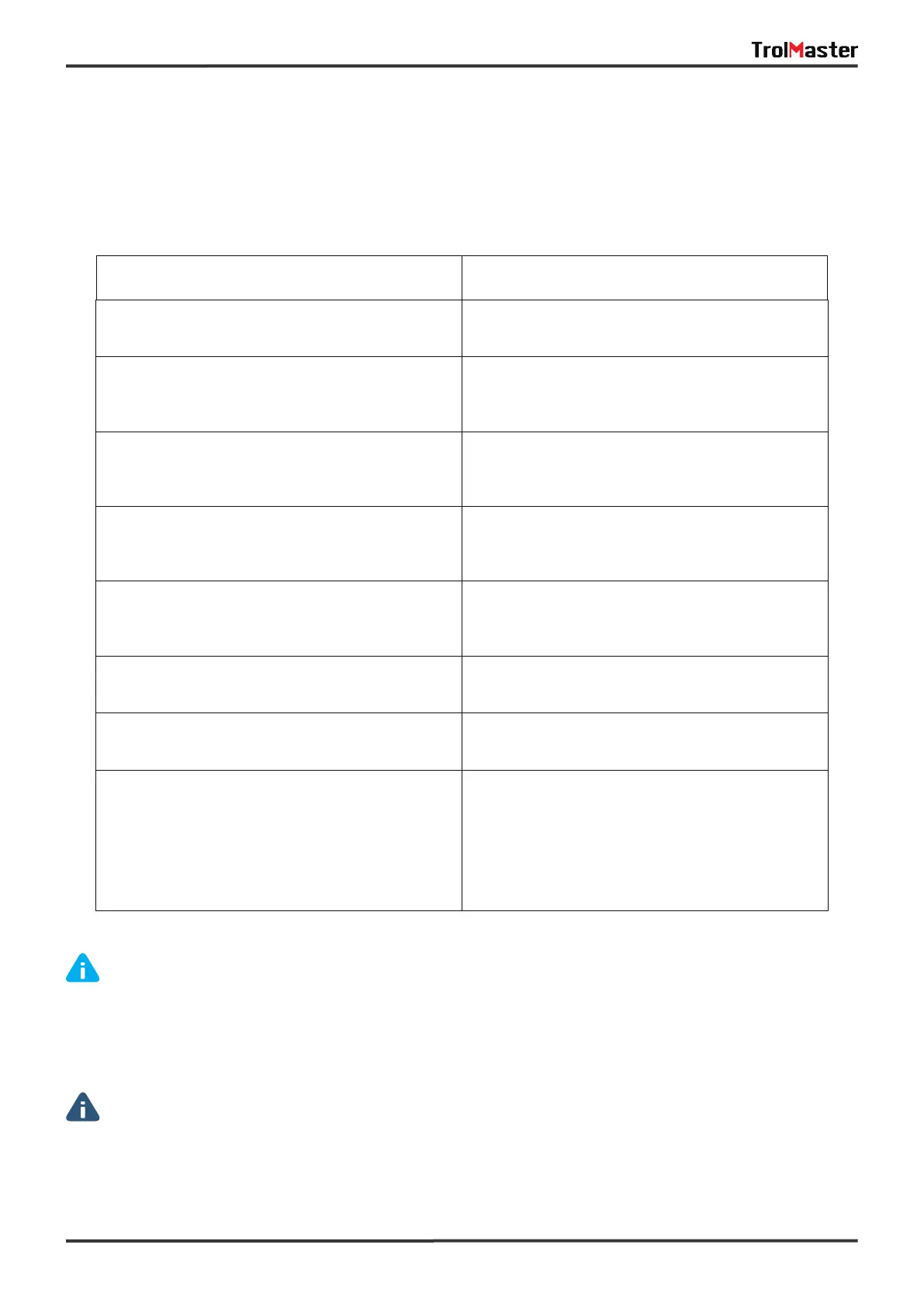
PROBLEM RESOLUTION
The HCS-1 Hydro-X Control System is connected to
power, but it does not seem to be working / no display
The temperature, humidity and CO2 value on the main
screen display horizontal line or flashing.
According to the setting parameters, the lighting
should not be OFF but acutall it is in OFF state.
The acutal ON/OFF state of Device is inconsistent with
the calculated parameter.
No data about temperature and humidity, no date
about CO2.
Make sure not to mix up the interface of SENSORS,
DEVICES, LINE 1 & LINE 2.
The LED indicator keeps flashing quickly and can not be
assigned to the main controller after pressing the
button of device station or smoke detector.
Make sure whether the corresponding device station
or the smoke detecor meets its maximum connections
(2 temp device stations,2 humid device stations,2 CO2
device stations, 9 program device stations, 20 smoke
detectors). Device station that has been added but not
connected will still occupy the address assignment.
The MOON icon is flashing.
The BELL icon is flashing.
Please perform the OVERRIDE function.
Alarm during day mode and night state. (When 2 lines
of lights are not in OFF status while the photocell
detects the night state.)
Alarming state including temperature /Humidity/ CO2
value exceeds the setting range, daytime and night
state alarm, smoke alarm.
Make sure whether it is no more than 15 minutes after
the light has been turn. OFF. The lighting will maintian
the OFF state during the 15-minute restrike time.
The horizontal line indicates that the corresponding
sensor is wrong, and the flashing represents the parame-
ter beyond the alarm range.
Check the low-volt power supply is plugged in properly
to the HCS-1 Hydro-X Control System.
21
Some of the most common issues or problems can be found within this section. Before returning the unit for
service, please consult the troubleshooting points below, additional information can be found online at
www.trolmaster.com
WARNING: DO NOT allow the Hydro-X Control System to be exposed to water or excessive heat, DO
NOT open or attempt to repair or disassemble the controller, as there are no user-serviceable parts inside.
Opening the controller will void the warranty.
lf the surface of Hydro-X is dirty, wipe it with a dry towel.
The Hydro-X operates under natural ventilation conditions.
AVERTISSEMENT: N'exposez PAS le régulateur de zone Hydro-X à de l'eau ou à une chaleur excessive.
NE l'ouvrez PAS, NE tentez PAS de le réparer ou de le démonter, car il ne contient aucune pièce réparable par
I'utilisateur. Louverture du régulateur entraine l'annulation de la garantie. Si la surface du Hydro-X est sale,
essuyez-la à l'aide d'un chiffon sec. Le Hydro-X fonctionne sous des conditions de ventilation naturelle.
TROUBLESHOOTING


 To Next Page
 Loading...


