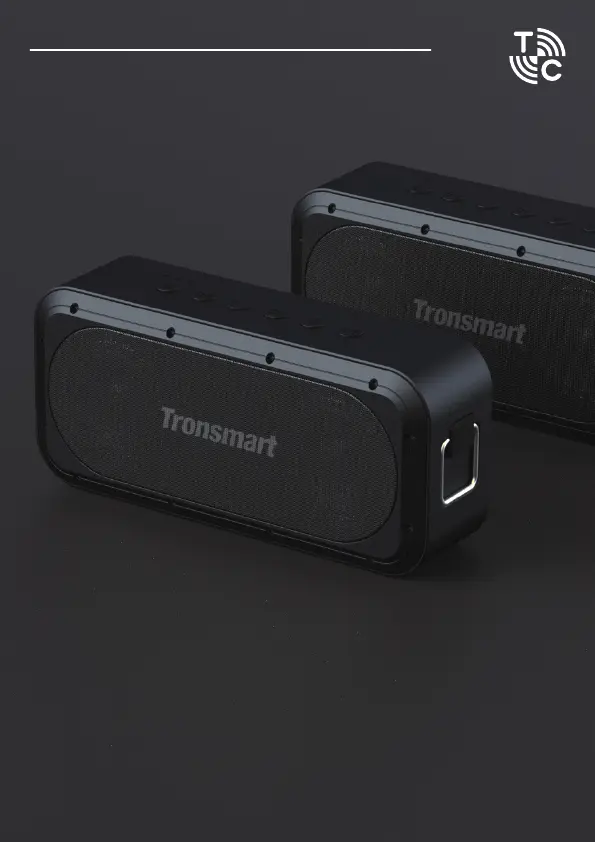
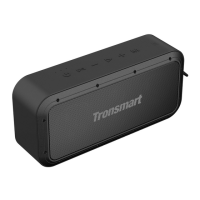
1. Turn on one speaker as host speaker, search and click “Tronsmart Force
SE” to connect with your device.
2. Press “TuneConn button” once to enter broadcast mode with the orange
indicator flashes.
3. Turn on other speakers and press "TuneConn button" once to enter
broadcast mode with orange indicator flashes.
4. If paired successfully, Bluetooth indicator of the host speaker will stay
blue while others go off. Please note that TuneConn indicators of all
speakers will stay orange.
How to Enter TuneConn Mode


 To Next Page