10
1.Clear the pairing record between the headphones and all of the previous
connected devices.
2.Remove some Bluetooth pairing records on your device and restart the device.
3.Reset the headphones.
What can I do if the headphone stopped connecting to my
device?
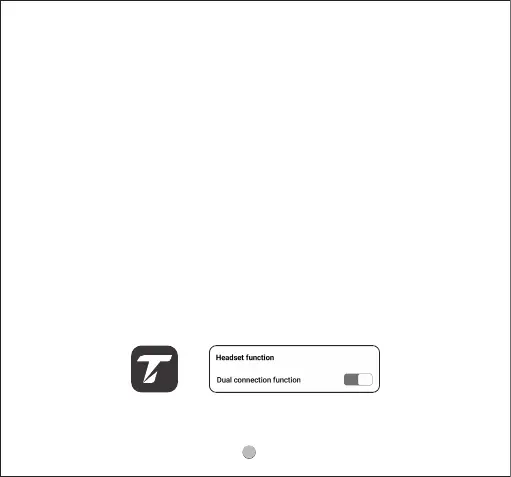
Please activate the multipoint connection function in the TRUEFREE APP before you
are ready to use it.
The pairing steps are as follows:
1. Turn o the Bluetooth on Device A aer successfully connecting to the
headphones.
2. Repeat the pairing operation to connect the headphones to Device B.
3. Turn on the Bluetooth on Device A aer successfully pairing to Device B.
4. Once the headphones are re-connected with Device A, the multipoint
connection function can work now.
How to connect the headphone with two devices at the same
time?



 To Next Page