7
Pairing
1.Please press and hold the power button for 3 seconds to turn on the headphones.
The red and white light start to ash alternately. The headphones enter pairing
mode.
2.Open the Bluetooth on your device and select "Truefree F2" from the Bluetooth list
to complete the pairing.
Reset
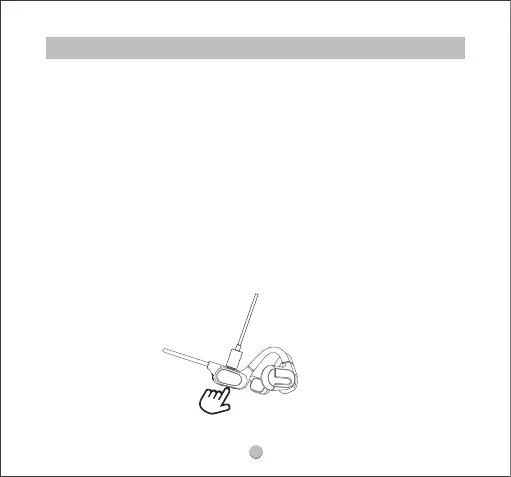
1.Plug in the headphones and make sure they are in charging status.
2.Press and hold the power button for 3 seconds until red and white light ash
alternately twice.
3.Unplug the charging cable and turn on the headphones. The reset is complete.
PART 2 BLUETOOTH



 To Next Page