1
Pairing
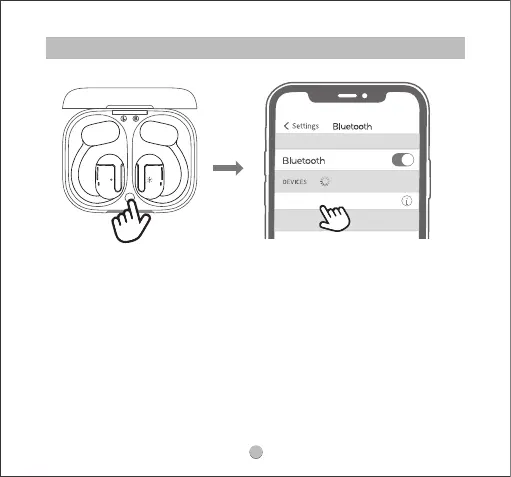
1. Open the charging case cover, take out the earbuds and remove the insulating
lm on them, then put the two earbuds back into the charging case. Press and
hold the button inside the charging box for 3 seconds until the indicator light
ashes white. At this time, the indicator light on one earbud ashes red and white
alternately, the indicator light on another earbud stays white, and then two
earbuds enter the pairing state.
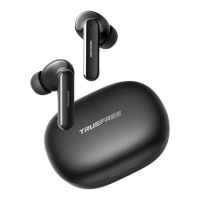
2. Turn on your device's Bluetooth and select TRUEFREE O1 from the Bluetooth list to
complete the pairing.
Aer the rst time use, open the lid of charging case, earbuds will turn on and
connect the phones automatically.
TRUEFREE O1
Connected



 To Next Page