Need help?
Do you have a question about the Trust UPS 1000 VA and is the answer not in the manual?
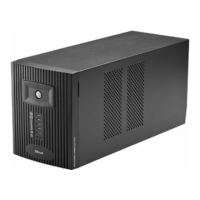
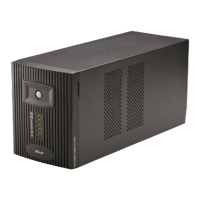
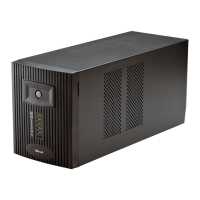
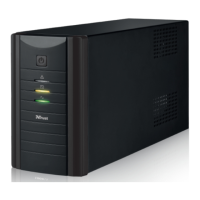
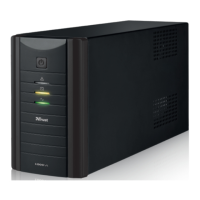
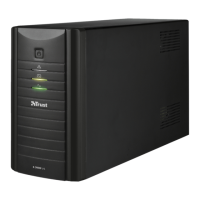
Lists the items included in the UPS package such as the On/Off button, status LEDs, AC input port, fuse holder, output ports, and loop through cables.
Provides a step-by-step guide for installing the UPS, including connecting the computer and monitor to the UPS backup outputs and charging the UPS.
Details the procedure for replacing the UPS fuse, emphasizing disconnecting mains power and using a spare fuse of the correct rating.
Highlights essential safety precautions, including connecting to mains power for charging, avoiding liquids, using earthed sockets, and ensuring ventilation.
Provides solutions for common UPS issues based on LED status and beep codes, covering battery charging, overload, short circuits, and discharged batteries.
 General
| Capacity | 1000 VA |
|---|---|
| Output Power | 600 W |
| Frequency | 50/60 Hz |
| Number of Outlets | 4 |
| Outlets Type | IEC C13 |
| Waveform Type | Simulated Sine Wave |
| Communication Port | USB |
| Battery Backup Time | Varies by load |
| Input Voltage | 230 V |
| Output Voltage | 230 V |

 To Next Page