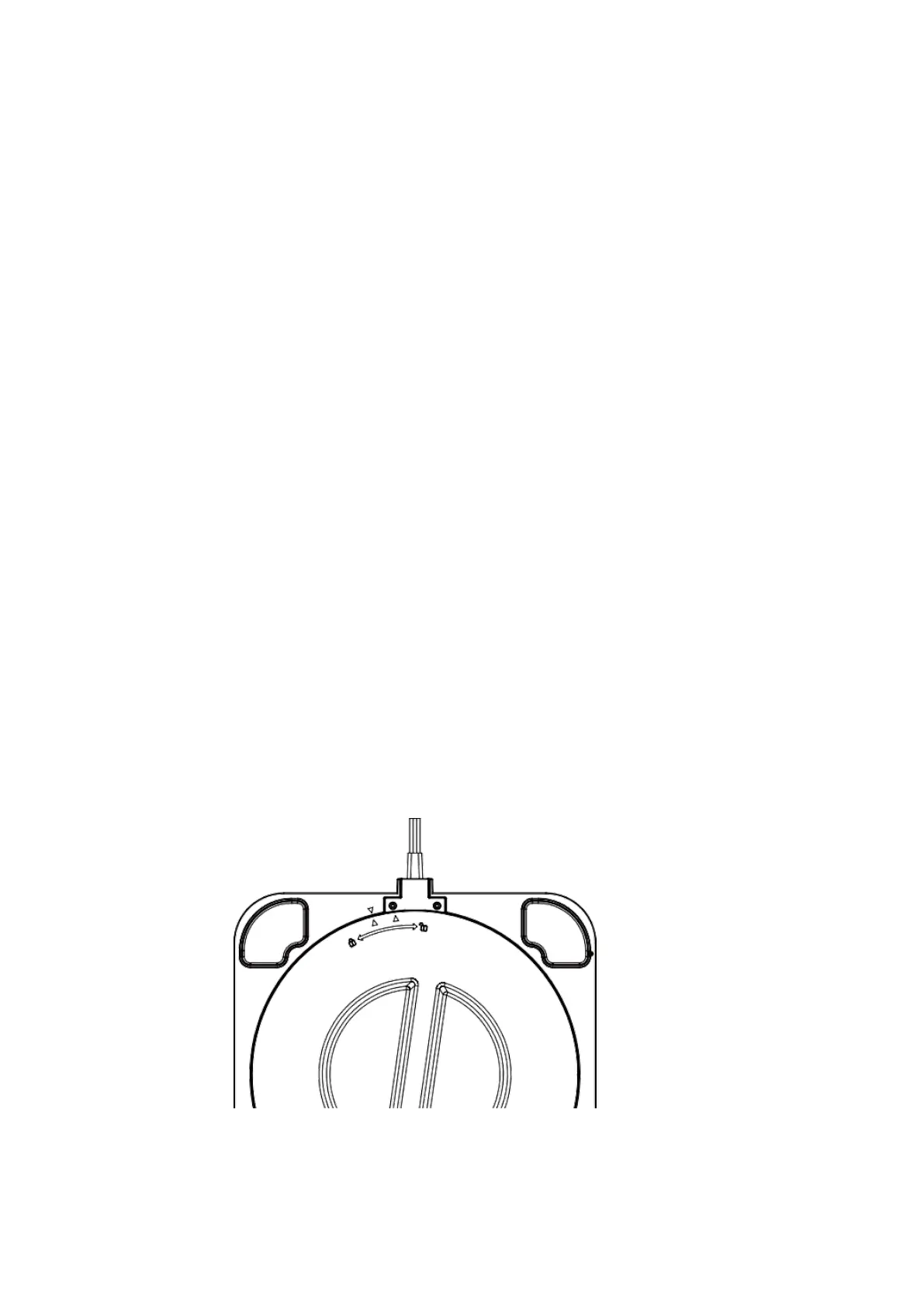
Filter replacement instructions
When the filter is used for more than 2000 hours,
it will flash to remind you to replace the filter. In
order to protect the product from impact during
transportation, the filter is installed at the bottom,
which may require a little more effort than usual.
Filter replacement
1.Hold the knob cover from the bottom of the
product, rotate clockwise in the direction(as shown
below), open the bottom cover, remove the filter,
and remove the plastic bag of the filter.



 To Next Page