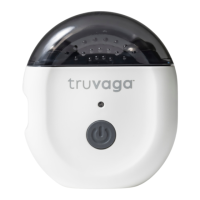
Truvaga Plus User Manual
|
5
Step 2: Prepare your Truvaga Plus
Step 3: Start your session
• To begin, turn on your Truvaga Plus and open the app.
• Tap on “Start a Session.” If you haven’t already, make sure
to connect your app to your Truvaga Plus. Once connected,
choose your desired session type.
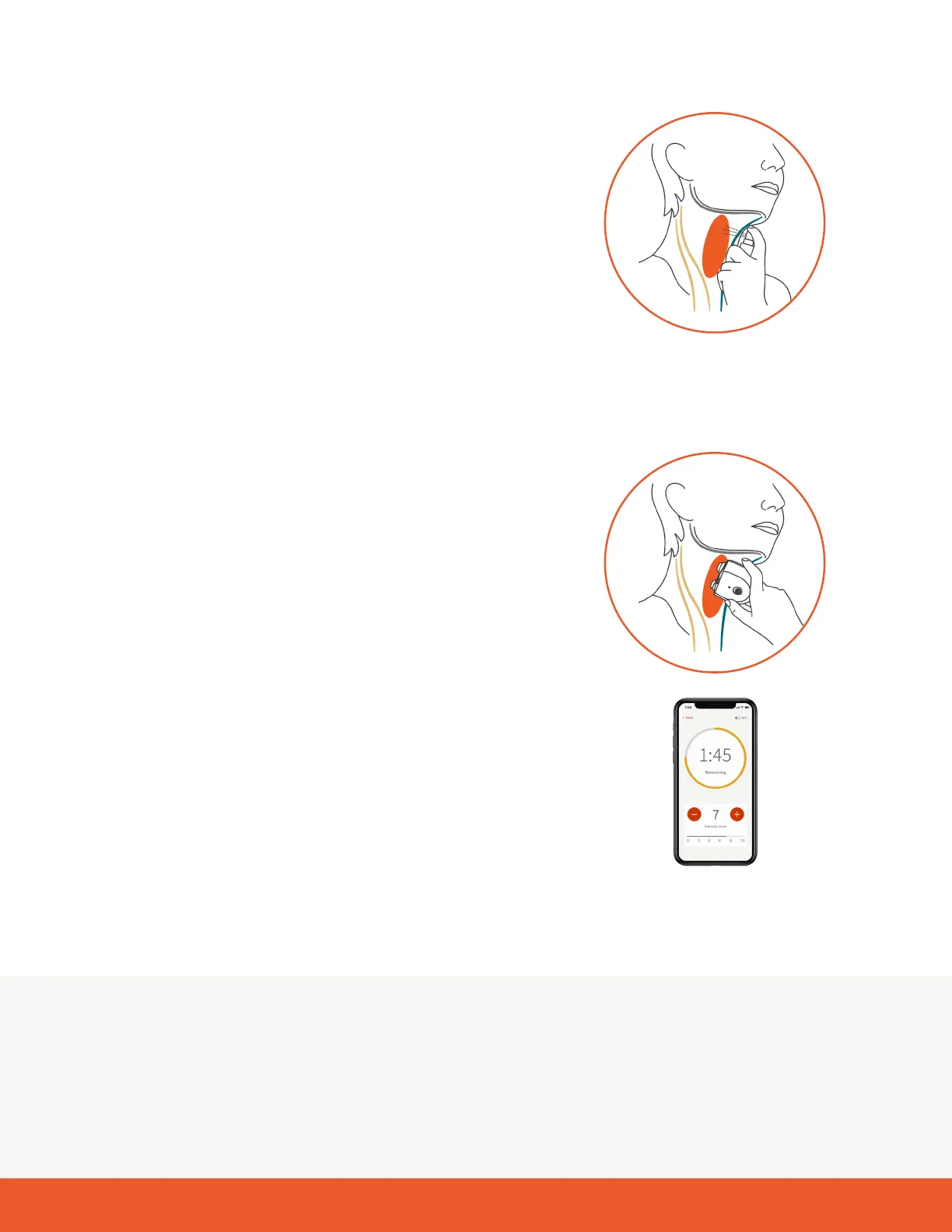
• Next, spray 1-2 pumps of the provided spray gel where you
located your vagus nerve earlier. Make sure only to use the
spray gel that comes with your Truvaga Plus.
Note: Be sure to use enough spray gel—not applying enough
spray gel may cause the session to be uncomfortable or
less effective.
• Now you are ready to start your session.
• Position Truvaga Plus on your neck, ensuring that both
electrodes are in full contact with your skin.
Note: Use mild to moderate pressure so the electrodes
make good contact with the skin.
• Using the app, gradually increase your session intensity level
until you feel a strong but comfortable tingling sensation or a
downward pull on your lip. These are indications you have the
right intensity level and location. Intensity levels range from
1 to 10. Most users nd their optimal intensity between levels
4 to 7. Everyone is unique, so choose what feels right for you.
• If you don’t experience these sensations, gently reposition
Truvaga Plus until you do, ensuring both electrodes remain in
contact with your skin.
• After nding the right location and intensity, hold your Truvaga
Plus in place until it beeps twice. This signals the end of your
2-minute session. Your Truvaga Plus will automatically turn
off after 30 seconds.
• Clean your device and put away until next use.
Note: You will likely feel muscle contractions at the application site and may experience a lip pull. These are
normal and should stop after the session is complete. If muscle contractions are too strong or uncomfortable, try:
• Lowering the intensity level.
• Repositioning the electrodes on your neck.
If the sensations are still too strong, stop the session and turn off the device by pressing holding down the power
button for 3 seconds. Contact Customer Support for more assistance.


 To Next Page
 Loading...