Truvaga Plus User Manual
|
7
Troubleshooting and indicator light meanings
Problem Solution
The device does not turn on
• Device may not be charged. Charge Truvaga Plus by plugging the
charging cord into the side of device and connecting it to an electrical
outlet. Please refer to the indicator light meanings section below to
determine the operating level of the battery.
• Restart your device by pressing and holding the power button for
3 seconds.
The device does not charge
• Ensure the charging cord is plugged into a live power source and into
Truvaga Plus. Only use the provided charging cord.
The indicator light ashes red
• Contact Customer Support.
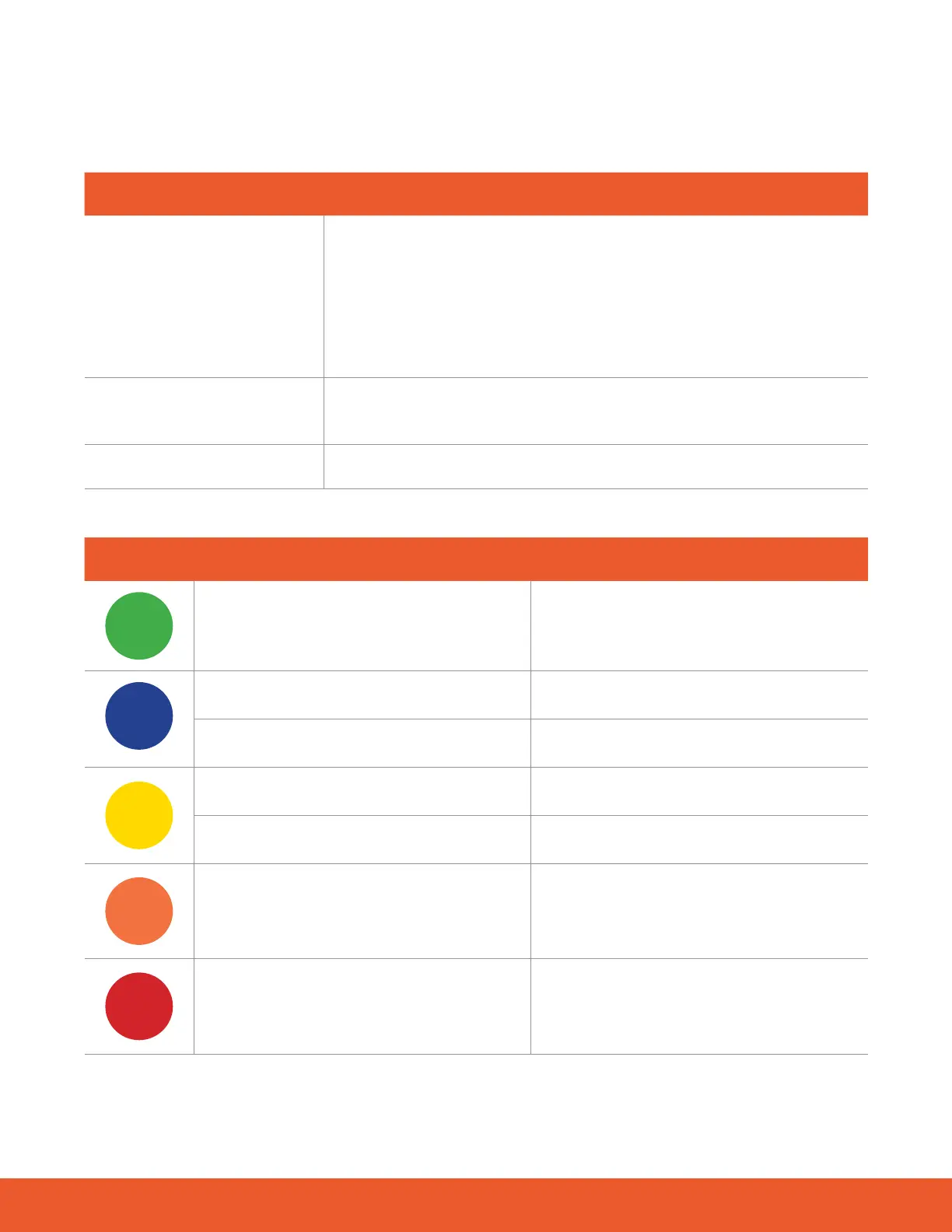
Color Behavior Meaning
green
Solid
Powered on and ready for use
blue
Flashing
Connecting to Bluetooth
Solid for 3 seconds
Bluetooth connected
yellow
Solid
Low battery—1 session remaining
Pulsing
Battery charging
orange
Flashing
Battery too low—charge Truvaga
red
Flashing for 3 seconds
Error—contact Customer Support
For more assistance, visit truvaga.com or call 1 (800) 643-2036



 To Next Page