TST-770 WSD Full Line Manual-RevA
© 2021 Truck System Technologies and Pressure Systems International Inc. All Rights Reserved Worldwide.
support@TSTtruck.com (770) 889-9102 M-F 9-8pm, Sat 9-2pm EST
Page 19
CONNECT/DISCONNECT
Note: This example shows Trailer Units. All connected units will show as blue icons with
white text.
Touch to enter into Connect/Disconnect Tire settings.
Touch
, , , or on the Connect/Disconnect Tire screen.
Settings Menu Screen 1
Power Unit/Trailer Unit Disconnect Screen
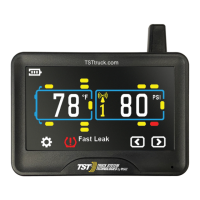
Power Unit/Trailer Main Screen
Touch to disconnect the trailer selected. then select Exit and Save. Main Screen
will now show the unit disconnected.
Power Unit or Trailer Connect/Disconnect Screen
Back To TABLE OF CONTENTS


 To Next Page
 Loading...