EasyManua.ls Logo

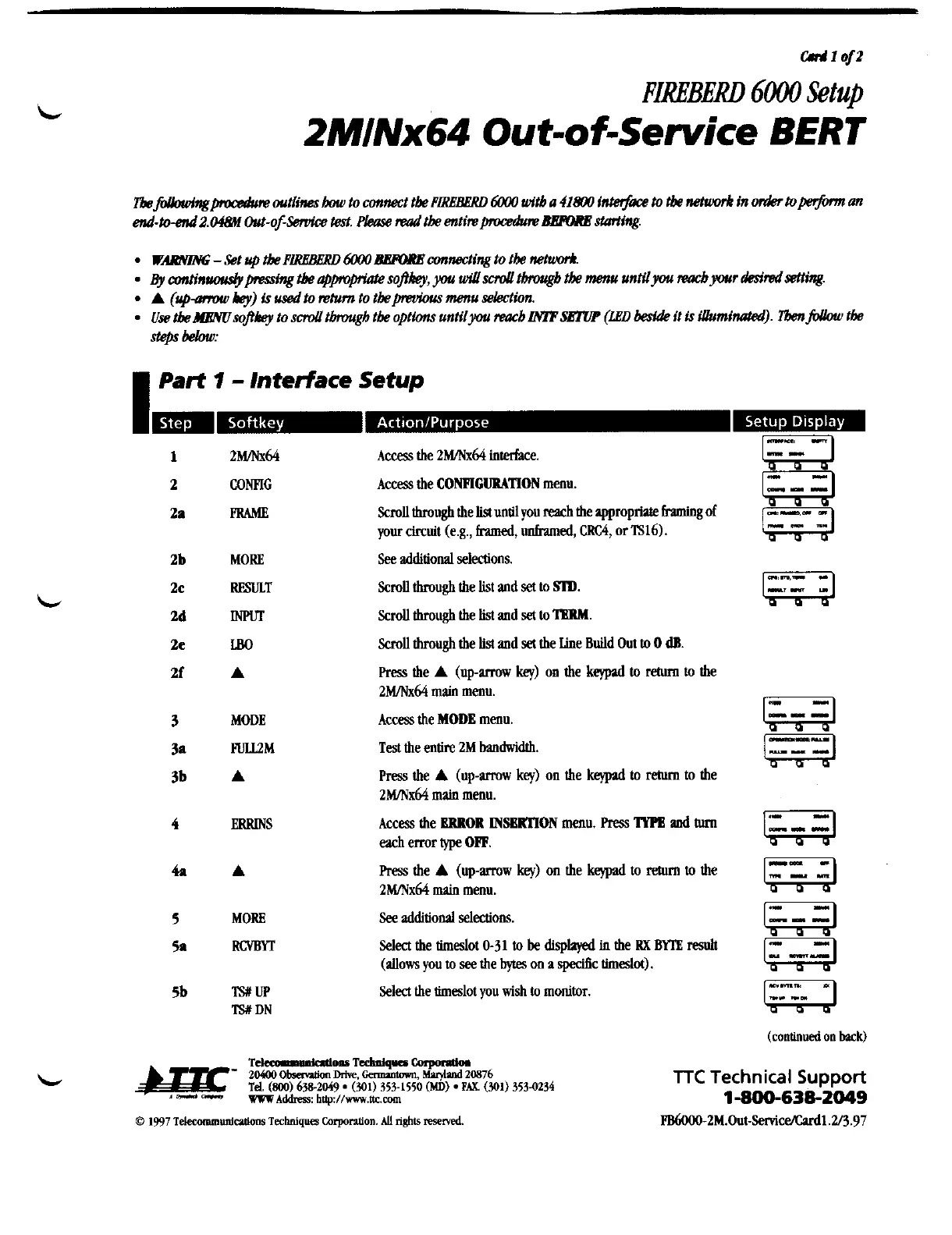
TTC FIREBERD 6000 - 2 M;Nx64 Out-of-Service BERT; Part 1 - Interface Setup

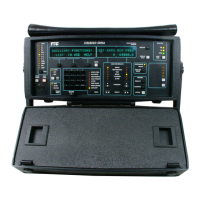
TTC FIREBERD 6000
38 pages
Print Icon
To Next Page IconTo Next Page
To Previous Page IconTo Previous Page
Loading...
crrJ1afz
FIMBERD
6000
Setup
2MINx64
Out-of-Service
BERT
I
Part
1
-
Interface
Setup
2mK64
CONFIG
PRMiE
MORE
RESULT
rn
I50
A
MODE
mM
A
ERRINS
A
MORE
mrr
TSXW
TSX
DN
Access the
2MINx64
interface.
Access the
CONFIGURATION
menu.
ScmU
through the
listuntll
you
reach
the appropriate fnming
of
your circuit (e.g.,
framed,
unframed,
CRC4,
or
lS16).
See
additional selections.
Scroll
through the list
and
set
to
SlD.
ScmU
through the
list
and
set
to
IlWA.
ScmU
through the
list
and
set
the Line
Build
Out
to
0
dB.
Press
the
A
(uparrow
key)
on
the
keypad
to
return
to
the
2MINx64
main
menu.
Access the
MODE
menu.
Test
the entire
2M
bandwidth.
Press
the
A
(up-mw
key)
on the
kqlnd
to
retum
to the
2MNx64
main
menu.
Access the
BRROR
MSBRllON
menu.
Press
MB
md
hm
each
error
type
OW.
Press
the
A
(up-mw
key)
on the
keypad
to
return
to the
2Wx64
main
menu.
See
additional selections.
Select
the timedot
0-31
to
be
displayed
in
the
RX
BlTE
resuh
(allows you
to
see
the
bytes
on
a
specific timeslot).
Select the timeslot you
wish
to
monitor.
(continued
on
back)
TTC
Technical
Support
1-800-638-2049
Artisan Technology Group - Quality Instrumentation ... Guaranteed | (888) 88-SOURCE | www.artisantg.com

Related product manuals