5
Pairing with 2
nd
Device
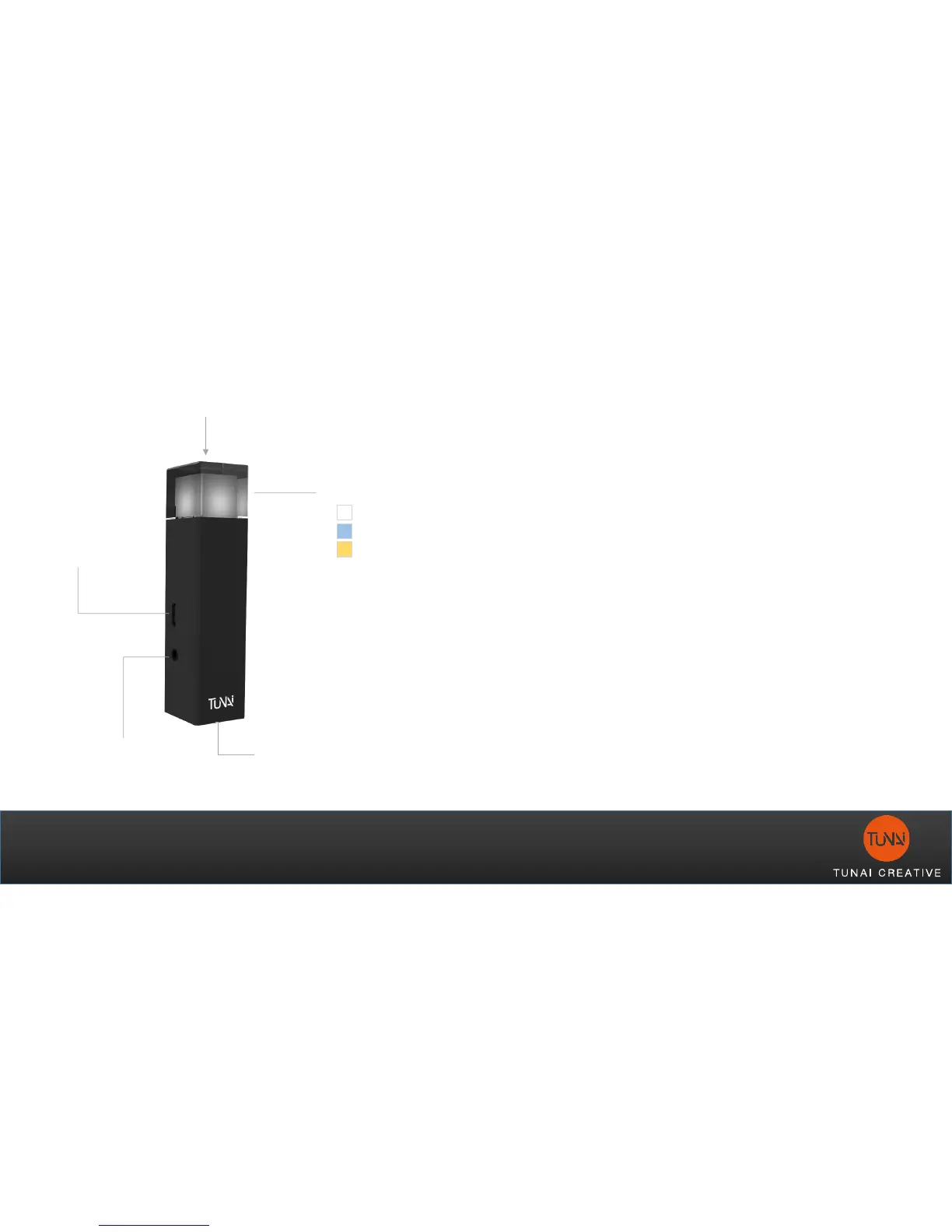
Optical
(SPDIF)
USB
(Power / Data)
Analog
(AUX/RCA)
Pairing / Input Select
LED Indicator
Analog
Optical
USB
1. Turn off the first paired Bluetooth RX
device (Bluetooth receiver or Bluetooth
headphone)
2. Enter pairing mode for both 2
nd
Bluetooth
RX (Bluetooth receiver or Bluetooth
headphone), and Bluetooth TX (WAND)
1. 2
nd
RX device enters pairing mode
first
2. Long press the WAND’s pairing
button for 2sec to enter pairing mode.
LED will quick flash once enter pairing
mode.
3. Turn on the 1
st
Bluetooth TX device, and it
will auto reconnect with WAND.



 To Next Page