88 89
Commissioning
Before rst use, please check the proper attachment of the pumps / Wavebox in the aquarium!
Position the pumps in the aquarium in such a manner, that the settings do not
cause any water damages on the Multicontroller due to strong current!
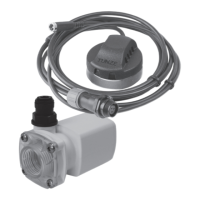
Connect the Turbelle
®
pumps / TUNZE
®
LED to the Multicontroller 7097 with the connection
cable (see connection to Turbelle
®
electronic pumps / TUNZE
®
LED).
Connect the Multicontroller 7097 two the computer with a USB cable (see installation – connection to the computer).
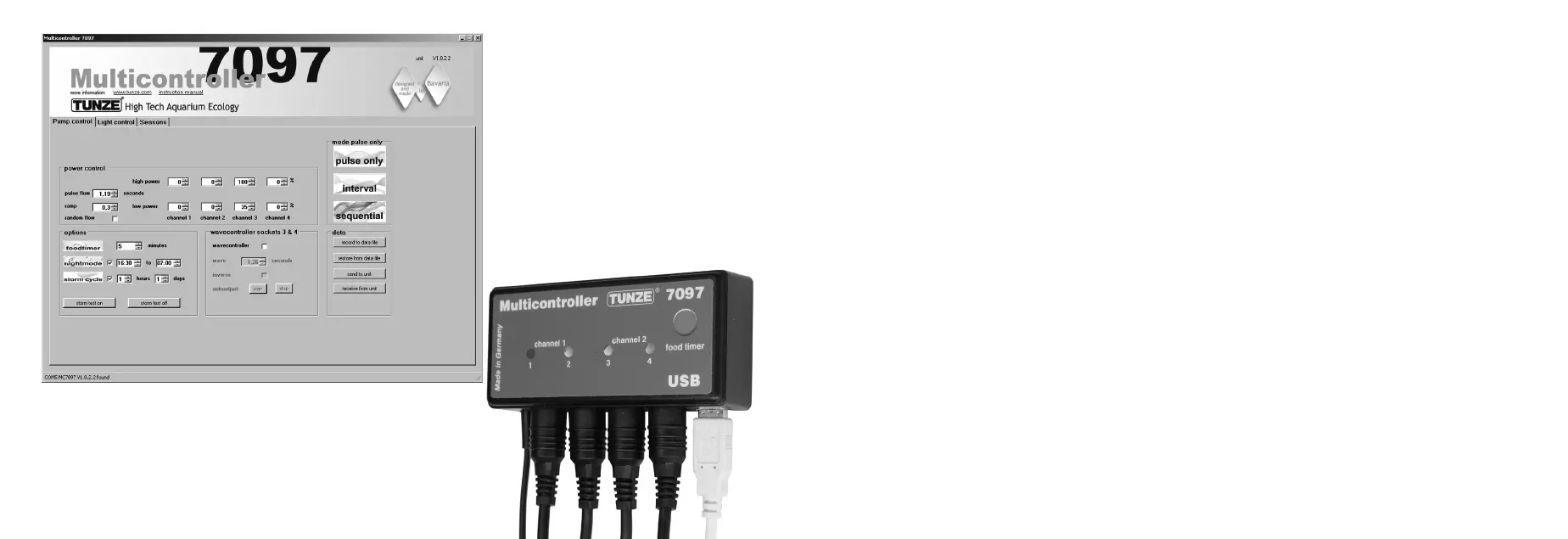
During the initial use, all ow and light parameters can be freely set via the computer display,
but will only be active in the Multicontroller 7097 after clicking on “send to unit“ (1).
To subsequently read the settings in the Multicontroller 7097, the data should be sent from
the Multicontroller 7097 to the computer by clicking on “receive from unit“ (2).
Saving/restoring settings:
The data and settings of the Multicontroller 7097 can be easily stored in a computer le, and
subsequently restored from there. Through this, it is possible to store several current ow and lighting
versions for different aquarium scenarios, and apply them to the Multicontroller 7097 at any time.
For this, click on the “record to data le“ (3) button, which will open a “save data” window and enable
the naming of a le (e.g. 01_01_2015.txt), and the subsequent saving by clicking on “save“.
To call up the le again, click on the “restore from data le“ button to open the
“restore data” window, and then click on the appropriate le to open it.


 To Next Page