985-40000-00697 Rev.A
2016-09-16
page 1 of 2
Con dential, for internal use only. Not to be reproduced.
Service Support
TURBOSOUND iNSPIRE and iX factory reset procedure.
Applicable products:
• iP2000, iP1000, iP500, iP15B, iP12B
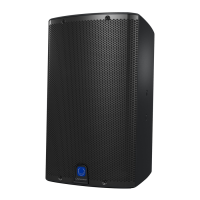
• iX15, iX12
Use this procedure if a customer is locked out of the speaker DSP due to forgetting the password.
1. Press and hold down the encoder knob and the SETUP button while powering on the unit.
2. The display screen should now be ashing white and blue.
3. Press the encoder knob twice.
4. You should now see the following screen:
5. Click the 4 buttons:
PROCESS -> SETUP -> EXIT -> ENTER
TURBOSOUND
iNSPIRE and iX Reset



 To Next Page