P01: Backlight. Range 1-3, 3 = Brightest
P02: Units. 1 = KPH, 2= MPH
P03: Battery Voltage. 24, 36, 48, 52, 60.
Default = 52V
P04: Dash Timeout. Range 1-60 minutes
Default = 10 minutes
P06: Tire Diameter. Default = 10
P07: Motor Poles. Default = 28
P08: Power Output. Default = 100
P11: Electric brake. Default = 1
0= Off, 5= Strongest braking force
P09: Kick-off Start. Default = 0
1 = Push to start
P15: Low voltage cut. Default = 41
Turbowheel Lightning: Dashboard
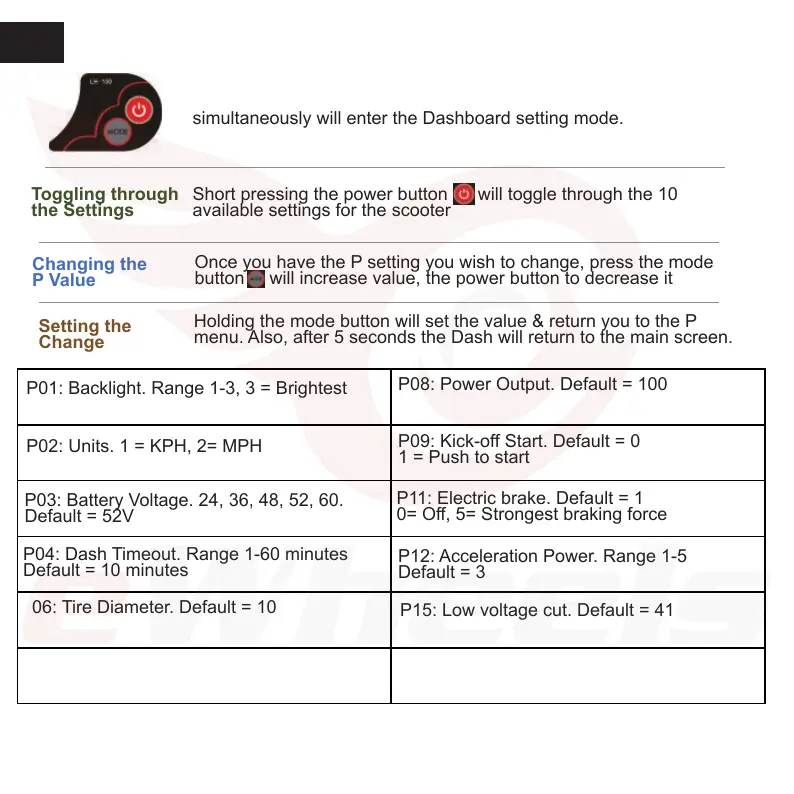
Enable the Settings Mode: Pressing the Power + Mode
simultaneously will enter the Dashboard setting mode.
Short pressing the power button will toggle through the 10
available settings for the scooter
Toggling through
the Settings
Changing the
P Value
Once you have the P setting you wish to change, press the mode
button will increase value, the power button to decrease it
Setting the
Change
Holding the mode button will set the value & return you to the P
menu. Also, after 5 seconds the Dash will return to the main screen.
2
P12: Acceleration Power. Range 1-5
Default = 3
P17: Cruise Control. Default = 0, Off
1 = Enabled


 To Next Page