Setting Up
Installing Drivers
04
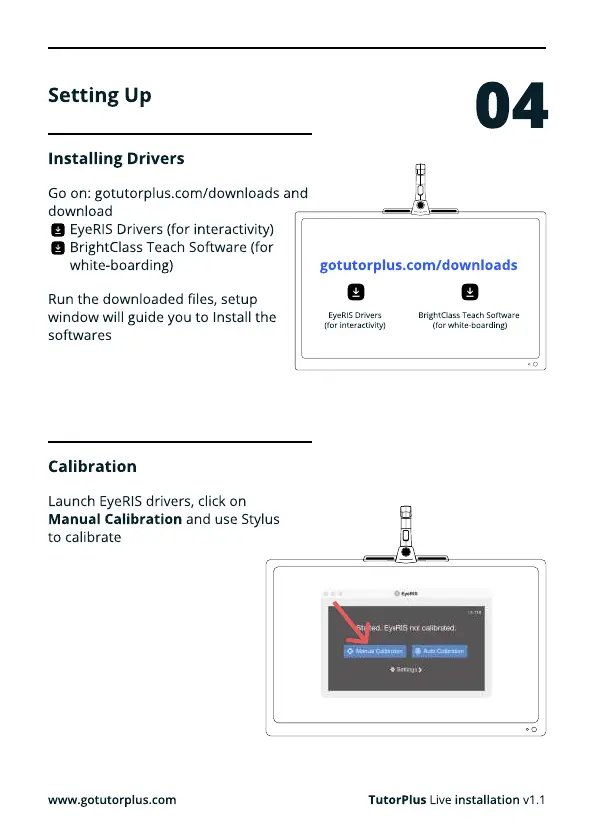
Go on: gotutorplus.com/downloads and
downloa
EyeRIS Drivers (for interactivity
BrightClass Teach Software (for
white-boarding)
Launch EyeRIS drivers, click on
Manual Calibration and use Stylus
to calibrate
Run the downloaded files, setup
window will guide you to Install the
softwares
gotutorplus.com/downloads
www.gotutorplus.com
EyeRIS Driver
(for interactivity)
BrightClass Teach Software
(for white-boarding)
Calibration
TutorPlus Live installation v1.1



 To Next Page