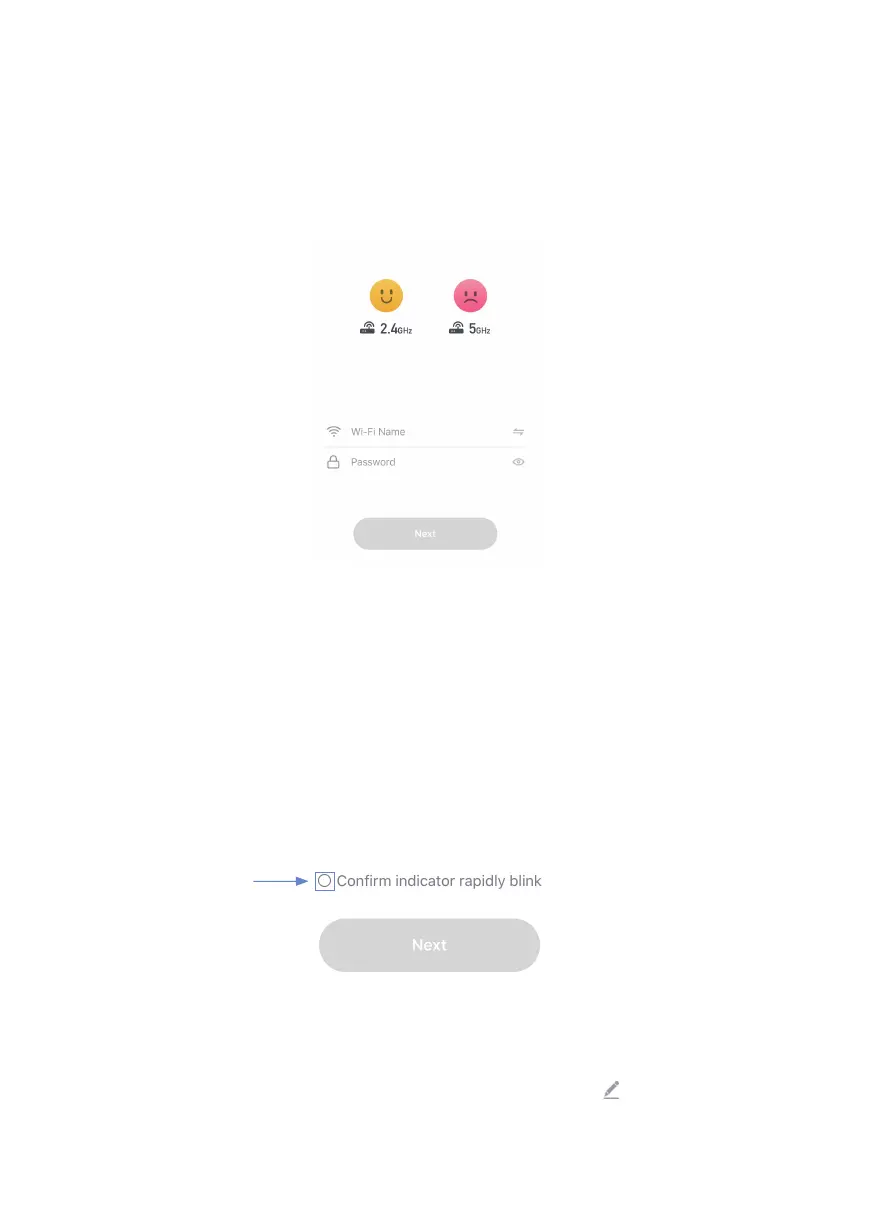
5. Enter your home Wi-Fi account and password (Only support 2.4Ghz
Wi-Fi), then tap "Next" button.
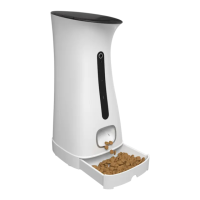
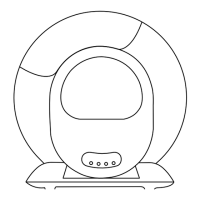
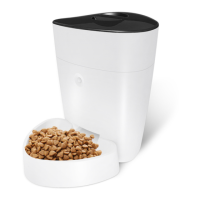
6. Place the router, mobile phone, and Pet Feeder as close as possible.
Con rm the indicator on your device is rapidly blink, then tap "Next"
to wait for connection.
7. After the device has been added, you can use to rename the
device. (If failed, please refer to FAQ2 to troubleshoot)
7. After the device has been added, you can use to rename the


 To Next Page