4. After the device has been added, you can use to rename the
device. (If failed, please refer to FAQ2 to troubleshoot)
- Con rm that both the location permission of phone system and the
App are enabled.
4. After the device has been added, you can use to rename the
2. Wi-Fi con guration of the device failed
- Con rm the entered router password is correct.
- Ensure that the DHCP service is enabled for the router. If not, the IP
address will be occupied.
- Please con rm the Wi-Fi network is stable:
Put the phone besides your device and make sure they are in the same
network environment, try to open a website to judge if the network can
be used.
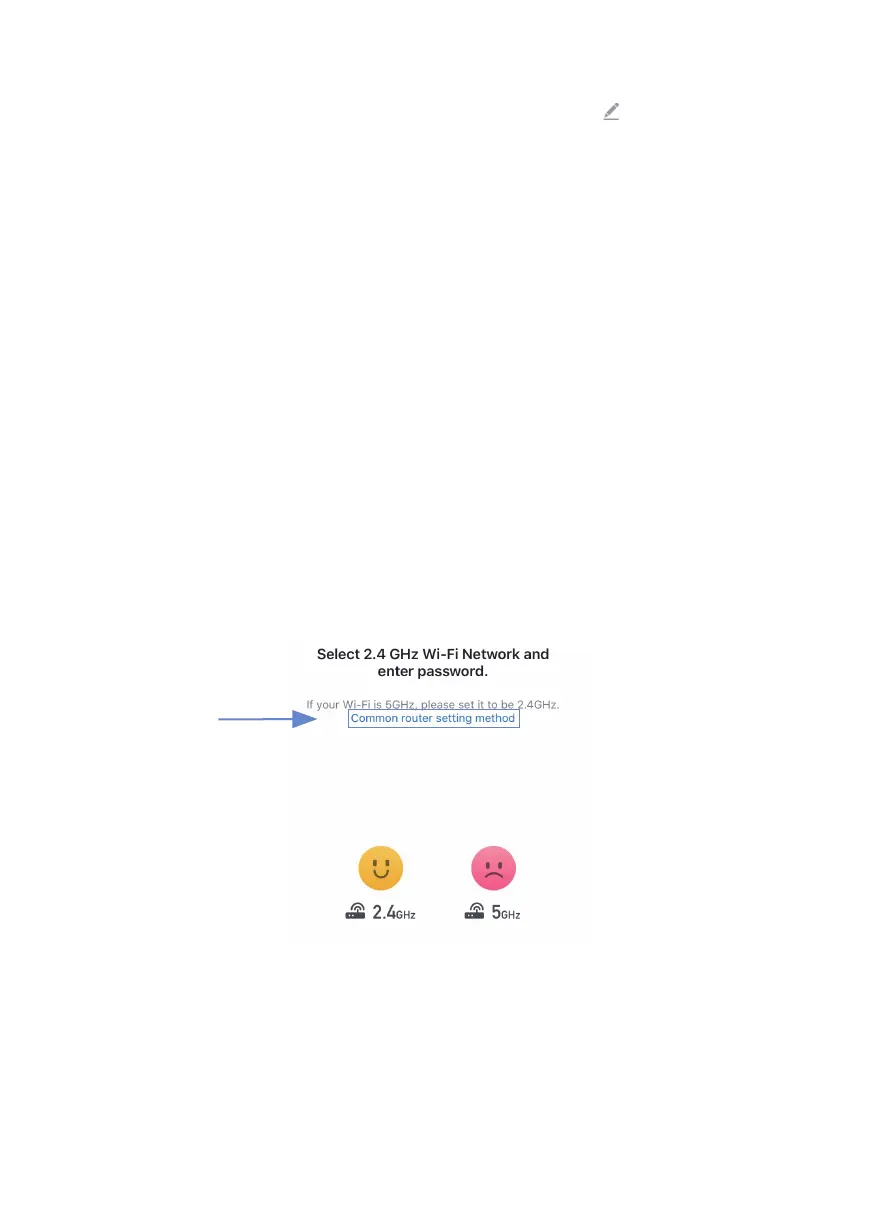
- If your router supports both 2.4Ghz and 5Ghz, please enable the
2.4Ghz channel and add device under 2.4G Wi-Fi channel. You can
follow the following step on the App to con gure the router.


 To Next Page