Preface
Quick start by the following steps:
•
Remove the cover and scan the QR Code with your smartphone or
search 'Smartlife' APP from App store to download.
•
Make sure the Wi-Fi indicator is rapidly blinking. If not, please reset it.
•
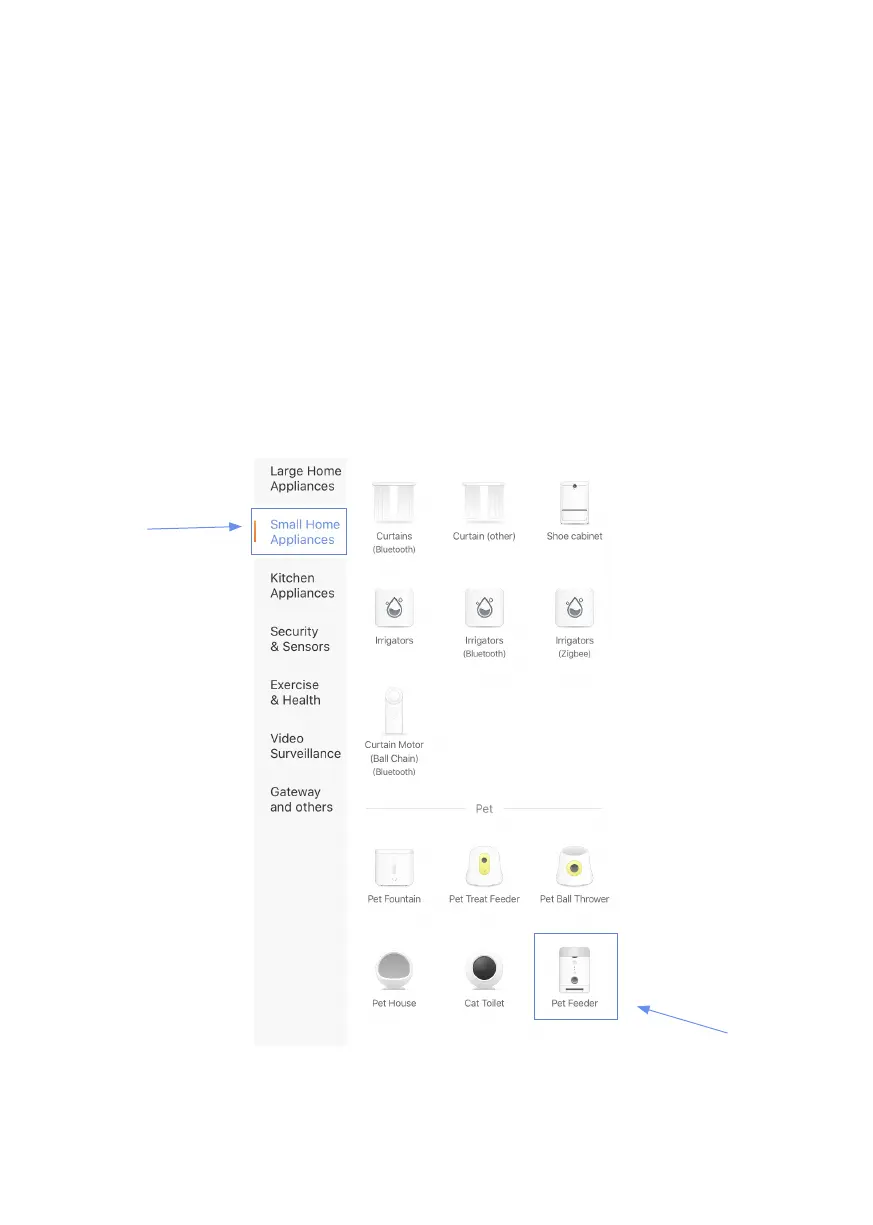
Open your App, then click the '+' button at the top right corner of the
App to add devices.
•
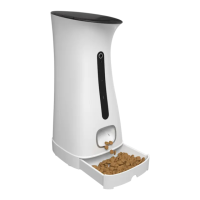
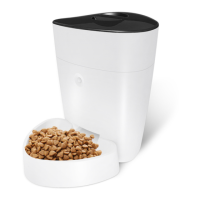
Select 'Pet Feeder' to add manually the Pet Feeder in "Small Home
Appliances" list.
If you want more details about network pairing, please refer to chapter
4.


 To Next Page