4
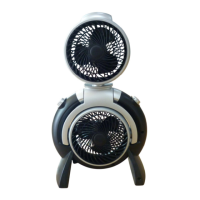
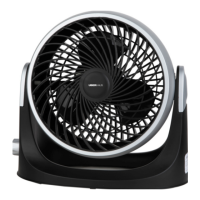
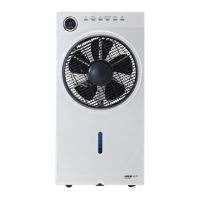
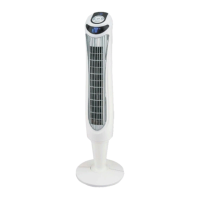
Room Temperature Screen
Control Panel
Fan Housing
Air Output Grille
Motor Base
Rear Pedestal
Front Pedestal
Rear Base
Front Base
Power Cord
Remote Control
Speed Button
Oscillation Button
Wind Mode Button
Timer Button
Power Button
PART
DESCRIPTION
QUANTITY
A
B
C
D
E
F
G
H
I
J
K
L
M
N
O
P
Q
1
1
1
1
1
1
1
1
1
1
1
1
1
1
1
1
1
LED Working Indication Screen
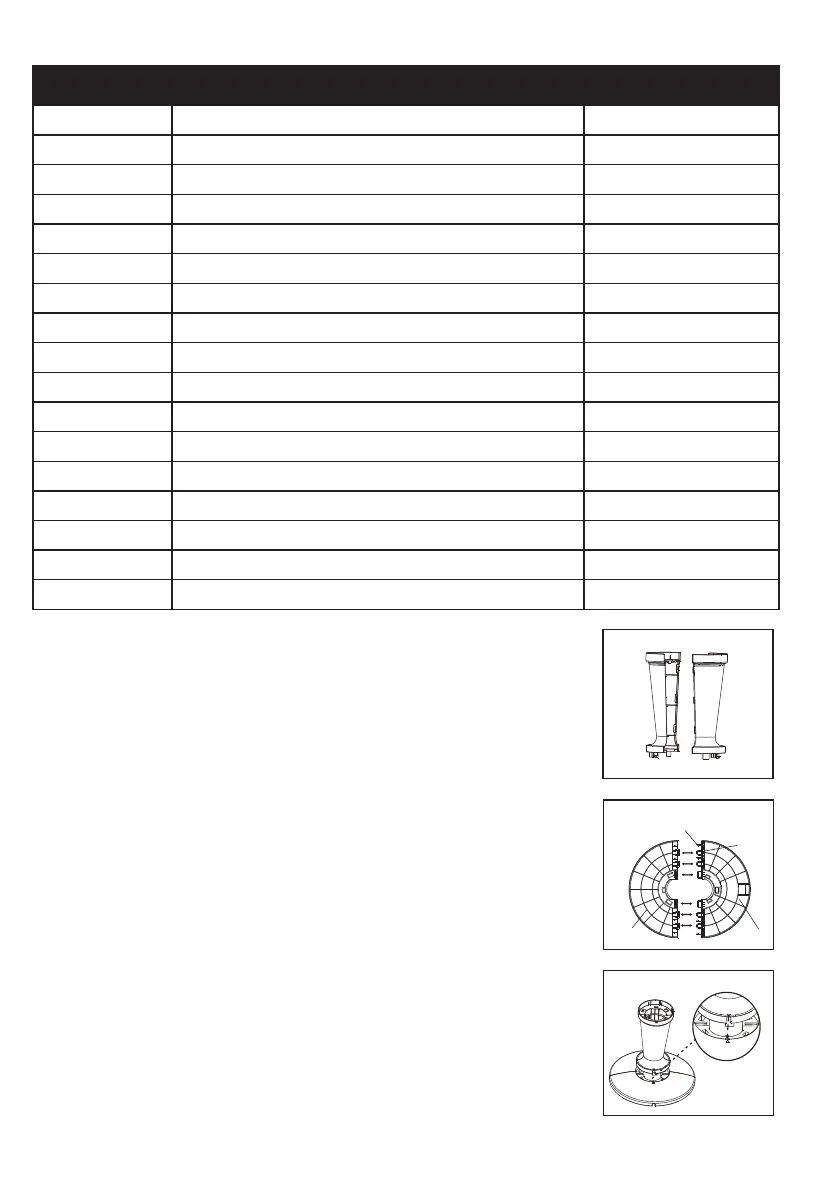
1. PEDESTAL ASSEMBLY
Line up the front and rear pedestal to form
Pedestal Assembly and firmly snap them
ogether ( Fig. 1 ).
Fig. 3
J
I
Buckles
Pillars
Fig. 2
2. BASE ASSEMBLY
Align the two portions of circular base and
insert the four pillars of the rear base (J) into
the four locating slots of the front base (I).
Please ensure four buckles are connected
closely and the two parts are tightly secured.
There should be a “click” sound when the
buckles are properly connected (Fig.2).
3. SECURING THE BASE ASSEMBLY TO THE
ASSEMBLY PEDESTAL
Align the groove and arrow on the smaller
end of the rear pedestal with the arrow on
the base assembly (which is near the central
hole edge of the base assembly). And then
push the pedestal assembly into the base,
“click” sound should be heard. Please make
sure three buckles at the bottom of the
pedestal connected closely to the base and
all connections between the pedestal and the
base are tight and secure. (Fig.3)
Fig. 1
Pedestal Assembl y


 To Next Page