03
Launch the App and log in. Please make sure your phone's Bluetooth is
enabled and then click "+" to add a device.
STEP 1.
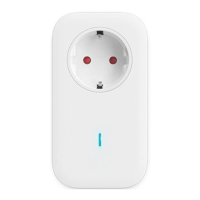
Enter device WiFi setup mode: Plug the socket into the power supply, then
press and hold the button for 5s until the indicator light flashes alternately
yellow and blue. Follow the instructions on APP to complete the setup.
STEP 2.
If the setup fails, please make sure that WiFi is 2.4 GHz and the password is entered
correctly.
Quick Start on Mobile Phone


 To Next Page