2
EdgeRouter
™
Lite Quick Start Guide
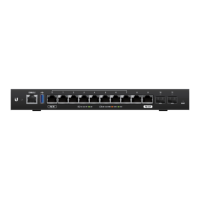
Hardware Overview
Back Panel
12V DC
GROUND
Power
Grounding Hole with
Grounding Screw
Ventilation Holes
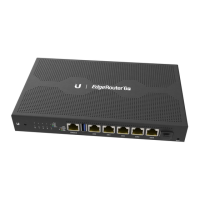
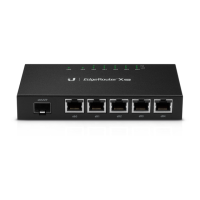
Front Panel Ports
CONSOLE 0 1 2
SPEED
Console
ResetEthernet (0-2)
Interface Description
Console
RJ45 serial console port for Command Line Interface
(CLI) management.
Ethernet (0-2) 10/100/1000 Mbps Ethernet ports.
Reset
To reset to factory defaults, disconnect the Power
Adapter from the Power port. Press and hold the
Reset button while connecting the Power Adapter
to the Power port. Keep holding the button until the
right LED on port 2 starts flashing and then stops
after a few seconds.



 To Next Page
 Loading...