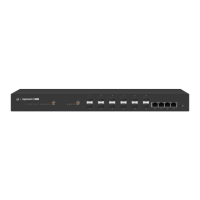
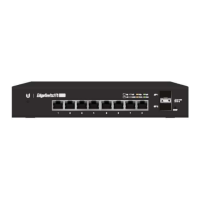
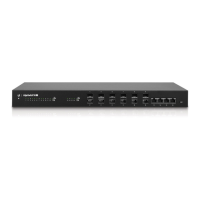
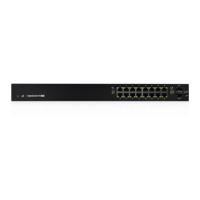
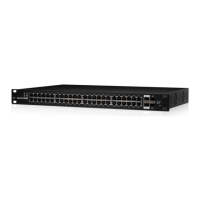
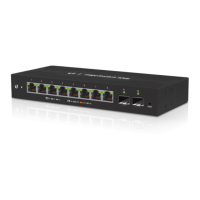
Using SFP Ports
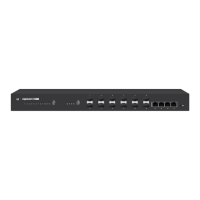
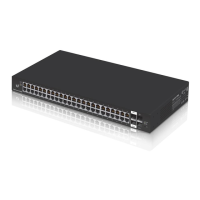
To use an SFP port:
1. Remove the protective plug covering the SFP port.
2. Plug a compatible fiber module into the SFP port.
1000Mbps SM/SC 20KM DDM
Tx1550nm/Rx1310nm
3. Connect the fiber optic cable to the fiber module. Then
connect the other end of the cable to another fiber device.
For information about compatible fiber SFP modules, visit:
community.ubnt.com/edgemax


 To Next Page
 Loading...