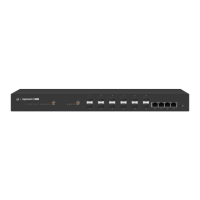
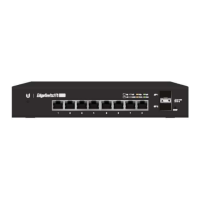
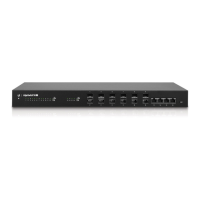
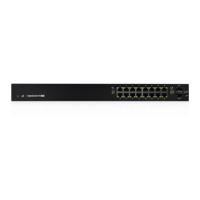
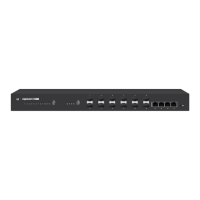
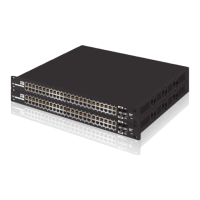
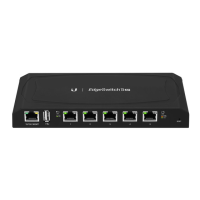
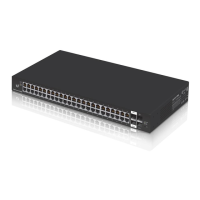
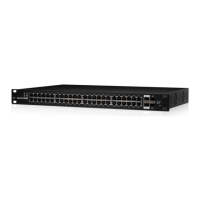
Front Panel LEDs
System
System LED
State Status
Flashing White Bootup in Progress
White
Ready for Use
Not Connected to Ubiquiti® Network
Management System (UNMS
™
)
Blue
Ready for Use
Connected to UNMS
Steady Blue
with Occasional
Flashing
Ready for Use
Unable to Connect to UNMS
Quickly Flashing
Blue
Used to Locate a Device in UNMS
Alternating
Blue/White
Firmware Upgrade in Progress
You can use the EdgeSwitch Configuration Interface or UNMS
to manage your device. UNMS lets you configure, monitor,
upgrade, and back up your devices using a singleapplication.
Get started at www.unms.com


 To Next Page
 Loading...