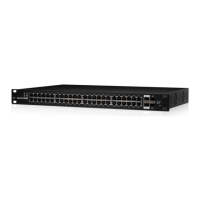
3. Position the EdgeSwitch with the Ethernet ports facing
down. Place the wall‑mount slots of the EdgeSwitch over
the screw heads on the wall. Then slide the EdgeSwitch
down to lock it into place.
Grounding the EdgeSwitch (Recommended)
The EdgeSwitch is grounded through the Power Adapter;
however, you can add optional ESD grounding for enhanced
ESD protection.
1. Attach the Ground Screw to secure a ground wire (not
included) to the Grounding Point.
2. Optional: To secure the Power Adapter cord, insert it
into the Cable Clip and secure the Cable Clip using the
GroundScrew.
3. Secure the other end of the ground wire to a grounding block.


 To Next Page
 Loading...