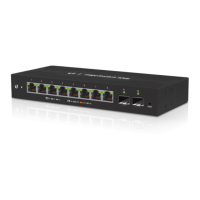
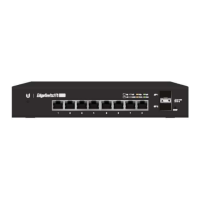
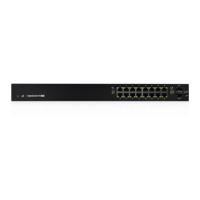
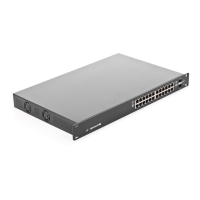
RJ45 PoE LED (Ports 1 - 5)
RJ45 Speed/Link/Act LED (Ports 1 - 5)
Link established at 10/100 Mbps
Link activity at 10/100 Mbps
Link established at 1000 Mbps
Link activity at 1000 Mbps
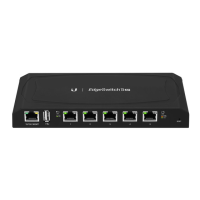
10/100 Mbps port used to access the EdgeSwitch Configuration Interface.
10/100/1000 Mbps ports for switching and PoE (also available for management by default).
To reset to factory defaults, press and hold the Reset button for more than 10 seconds while the
unit is powered on.
Connect the included Power Adapter to the Power port.
Hardware Installation
Place the EdgeSwitch on a bench top or other flat surface.


 To Next Page
 Loading...