Accessing airOS
Connect to the airOS Configuration Interface.
1. Make sure that your host system is connected via Ethernet
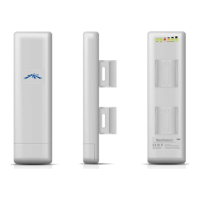
to the NanoStation.
2. Configure the Ethernet adapter on your host system with a
static IP address on the 192.168.1.x subnet.
3. Launch your web browser. Type https://192.168.1.20 in
the address field. Press enter (PC) or return (Mac).
4. The login screen will appear. Enter ubnt in the Username
and Password fields. Select your Country and Language.
You must agree to the Terms of Use to use the product.
Click Login.
Note: For the Country setting, U.S. product versions are
restricted to a choice of Canada, Puerto Rico, or the U.S.
to ensure compliance with FCC/IC regulations.
The airOS Configuration Interface will appear, allowing you
to customize your settings as needed. For additional details
on the airOS Configuration Interface, refer to the User Guide
available at documentation.ubnt.com/airmax



 To Next Page
 Loading...